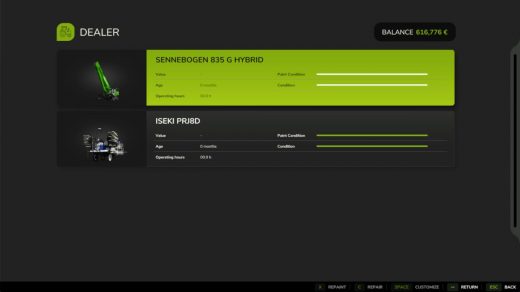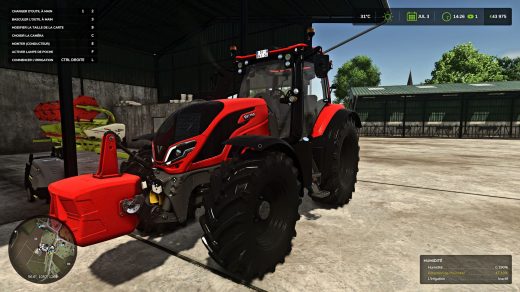
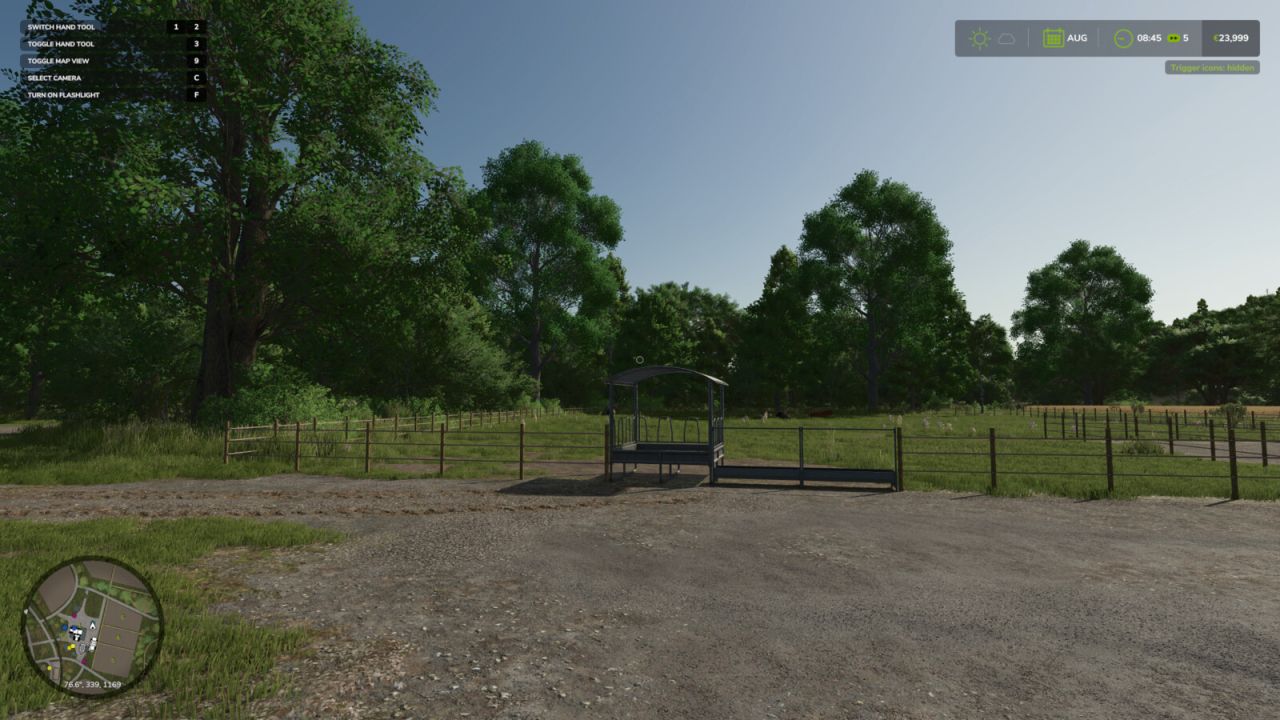
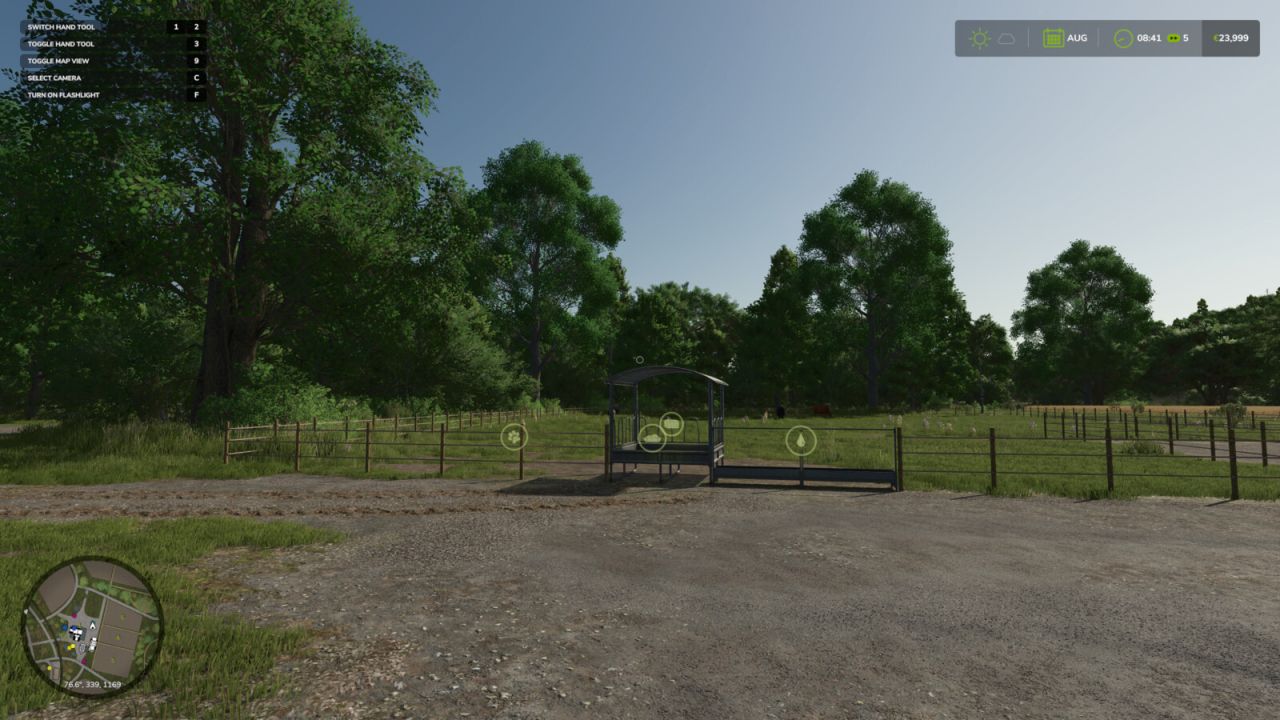
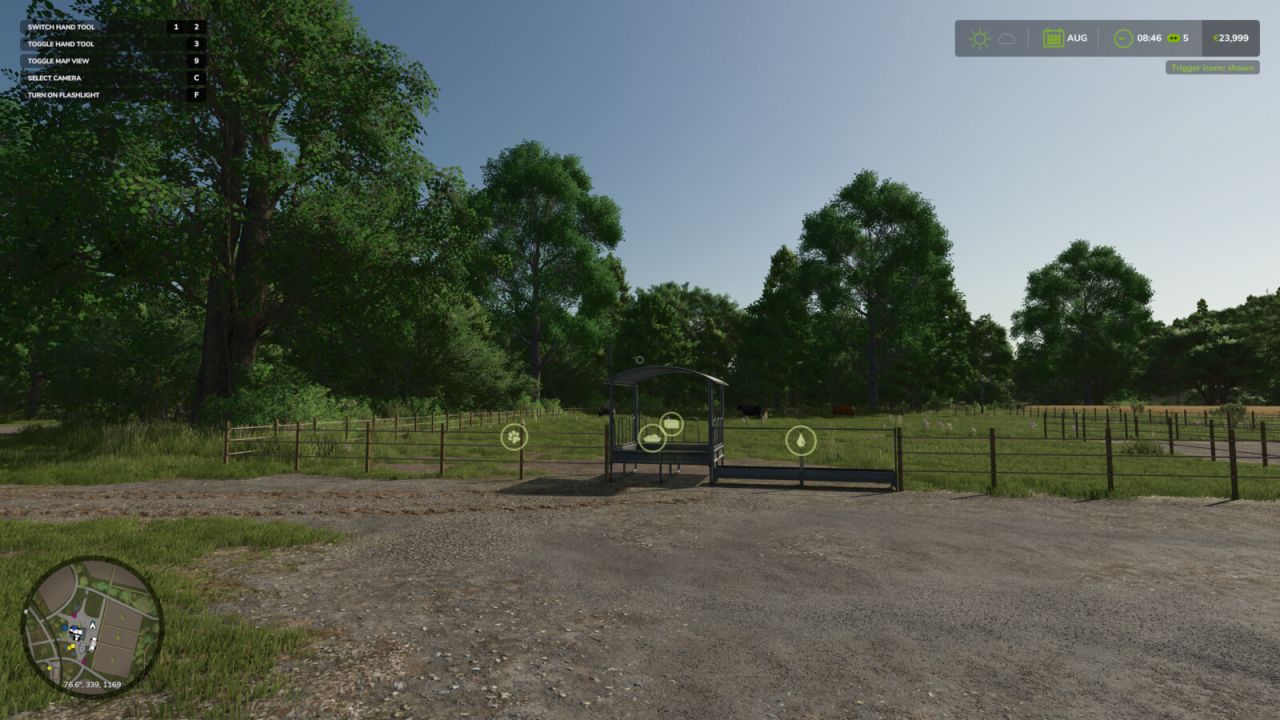
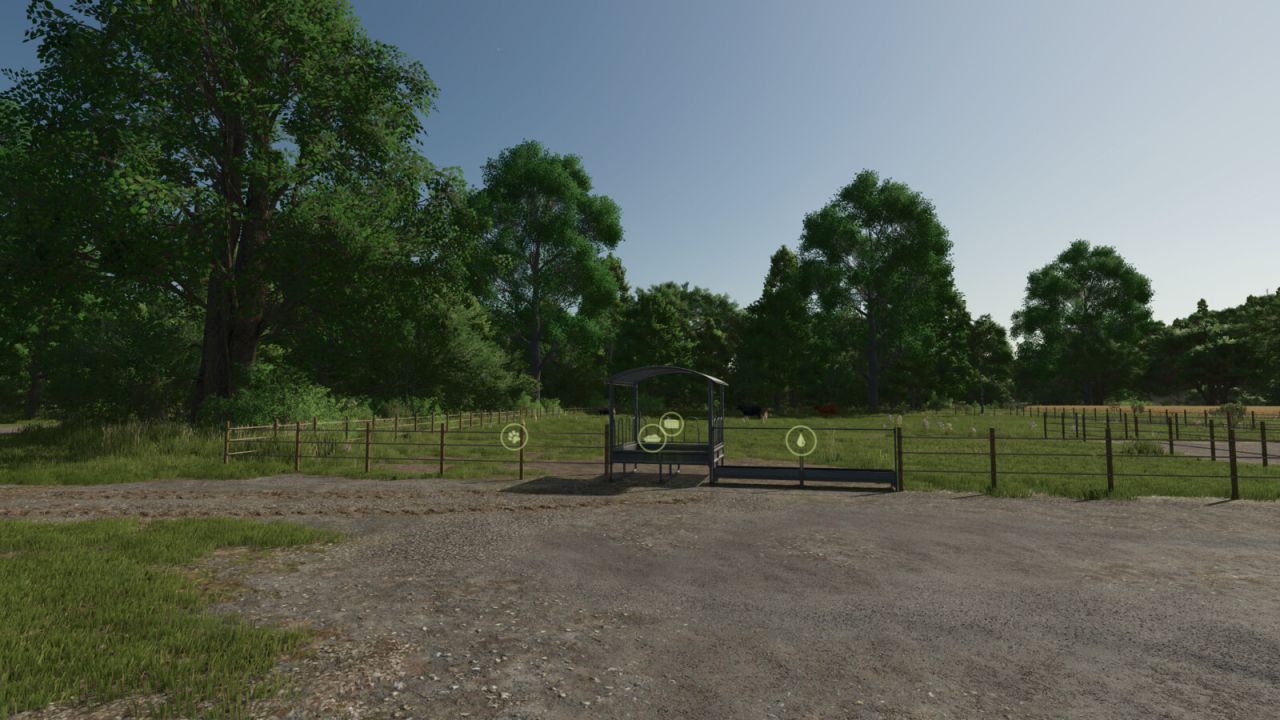
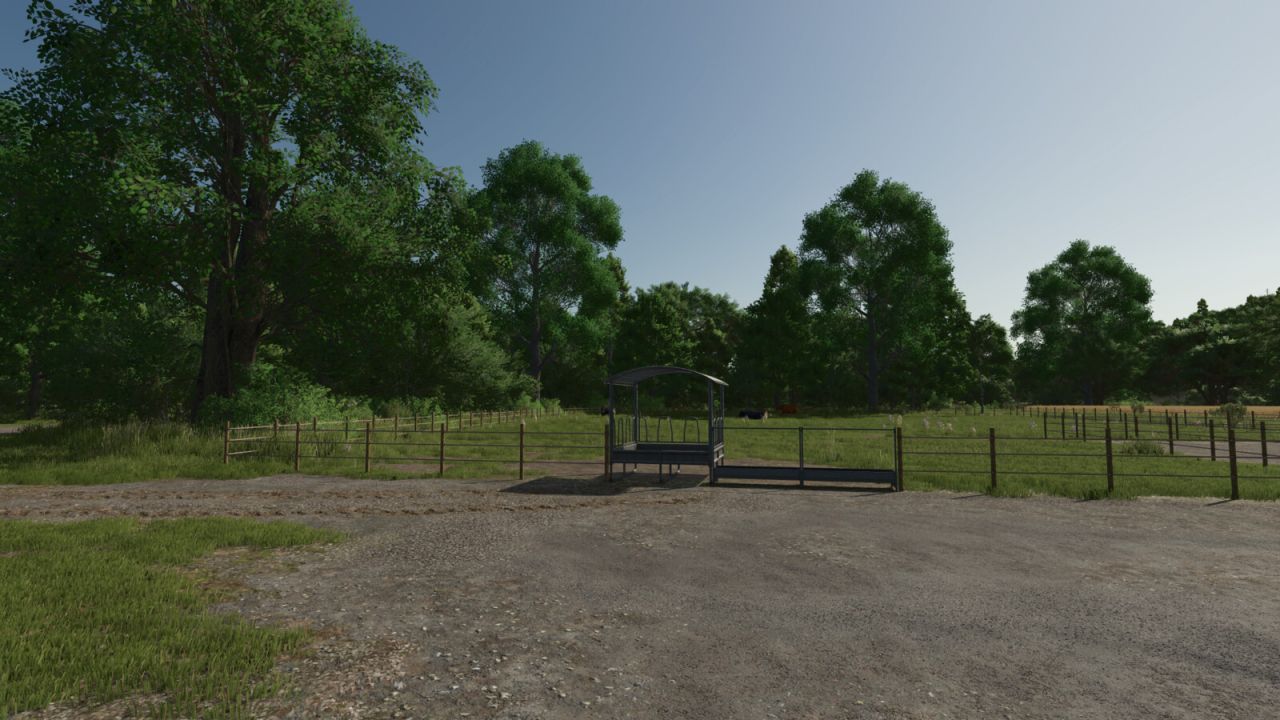
Two handy hotkeys for clean screenshots and more immersion:
Right CTRL + #: Toggles the trigger icons (e.g. at selling points, factories, shops). Uses the same setting as the in-game options menu, so the state always stays in sync and is saved normally.
Right CTRL + +: Toggles the entire HUD (displays, minimap, help text, etc.).
Both keys are freely rebindable under Controls in the settings menu.