“Improved Canola Plants” is a mod for Farming Simulator 25 that visually enhances the appearance of canola.
When activated, a special texture pack for canola is installed, giving the fields a fresh look through updated plant textures, representations of growth stages, distant views of the vegetation, and adjusted XML and model data.
When activated, the mod installs a custom texture set for rapeseed, giving rapeseed fields a fresher look – thanks to updated plant textures, representations of growth stages, distant views of the vegetation, and adjusted XML data, model data, and shapes. “Improved Canola Plants” is an original mod by Sumro Gaming for Farming Simulator 25. It’s aimed at players who want a more realistic depiction of crops and fields during normal fieldwork. The main goal is simple: “Improved Canola Plants” is a mod that replaces the visual representation of rapeseed vegetation in Farming Simulator 25.
With “Improved Canola Plants”, it’s not just the existence of the file that’s crucial, but also what exactly the mod changes, when it makes sense, and how safely it can be tested in a real game save.
Features of the “Improved Canola Plants” rapeseed textures
focus on the following functions: replacing the visual appearance of rapeseed with improved textures, models, XML data, and shapes; creating backups before applying the included rapeseed files and restoring the original appearance after exiting the game; and exclusively changing the appearance – without affecting yield, growth rate, prices, orders, production, or crop balance. Upon activation, the mod installs a revised rapeseed texture set, applies updated textures for the growth stages as well as model data, backs up the original crop files beforehand, and restores the game’s default rapeseed appearance after exiting the game.
Rapeseed fields cover large areas on many maps in Farming Simulator 25. Therefore, such vegetation modifications are primarily judged by how the crop appears from a distance and how smoothly the game reverts to the default files after playing. Since “Improved Canola Plants” is documented for Farming Simulator 25 players, this description, in addition to the technical details of the ZIP file, also presents the practical benefits for gameplay, rather than simply offering visitors a title and a download button. Visual progression of growth phases:
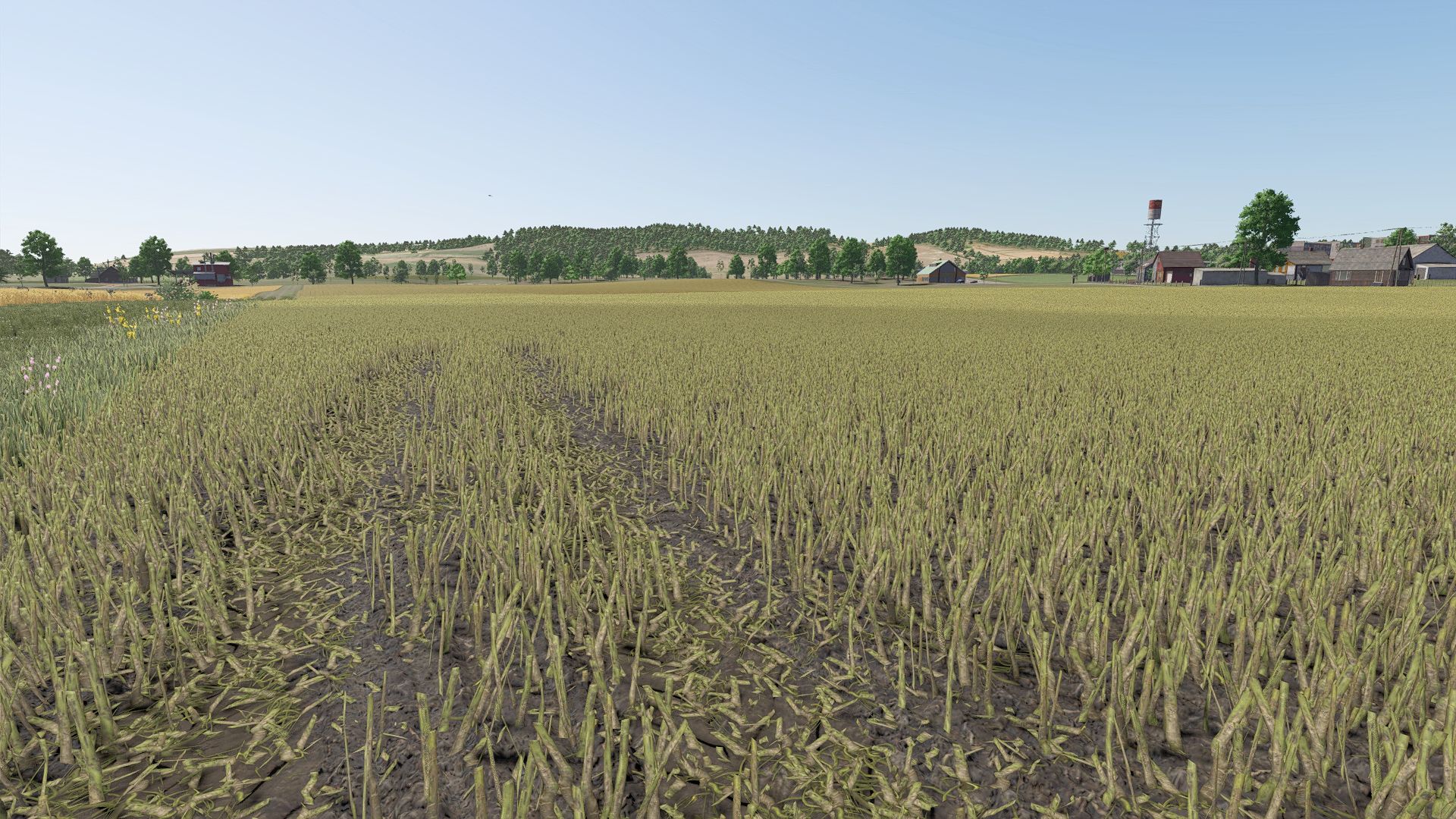
The mod is best tested in an active save game, where players can compare the behavior of the fields before and after installing the mod – for example, during sowing, spraying, harvesting, or headland work. The four screenshots on this page show “Improved Canola Plants” in-game; this allows players to get a visual impression of the mod before accessing the download source. A good method for evaluating “Improved Canola Plants” is to perform the same task once without and once with the mod activated and compare the results under normal operating conditions.