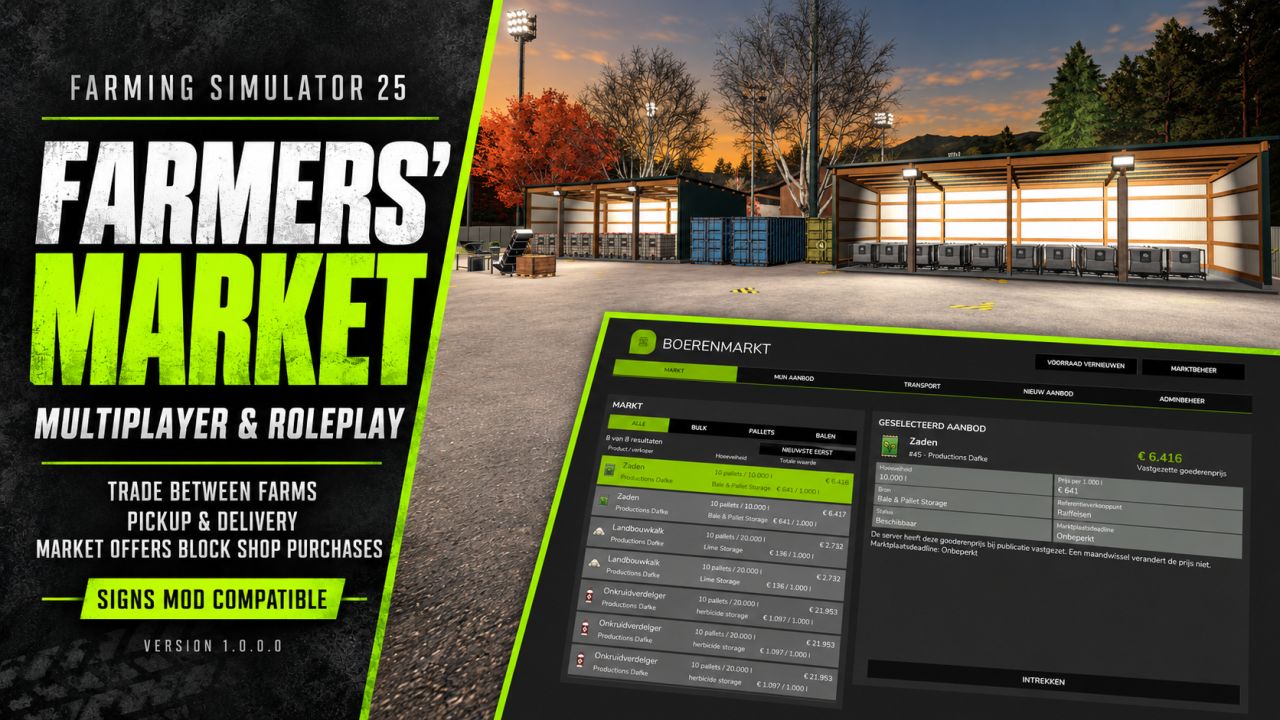
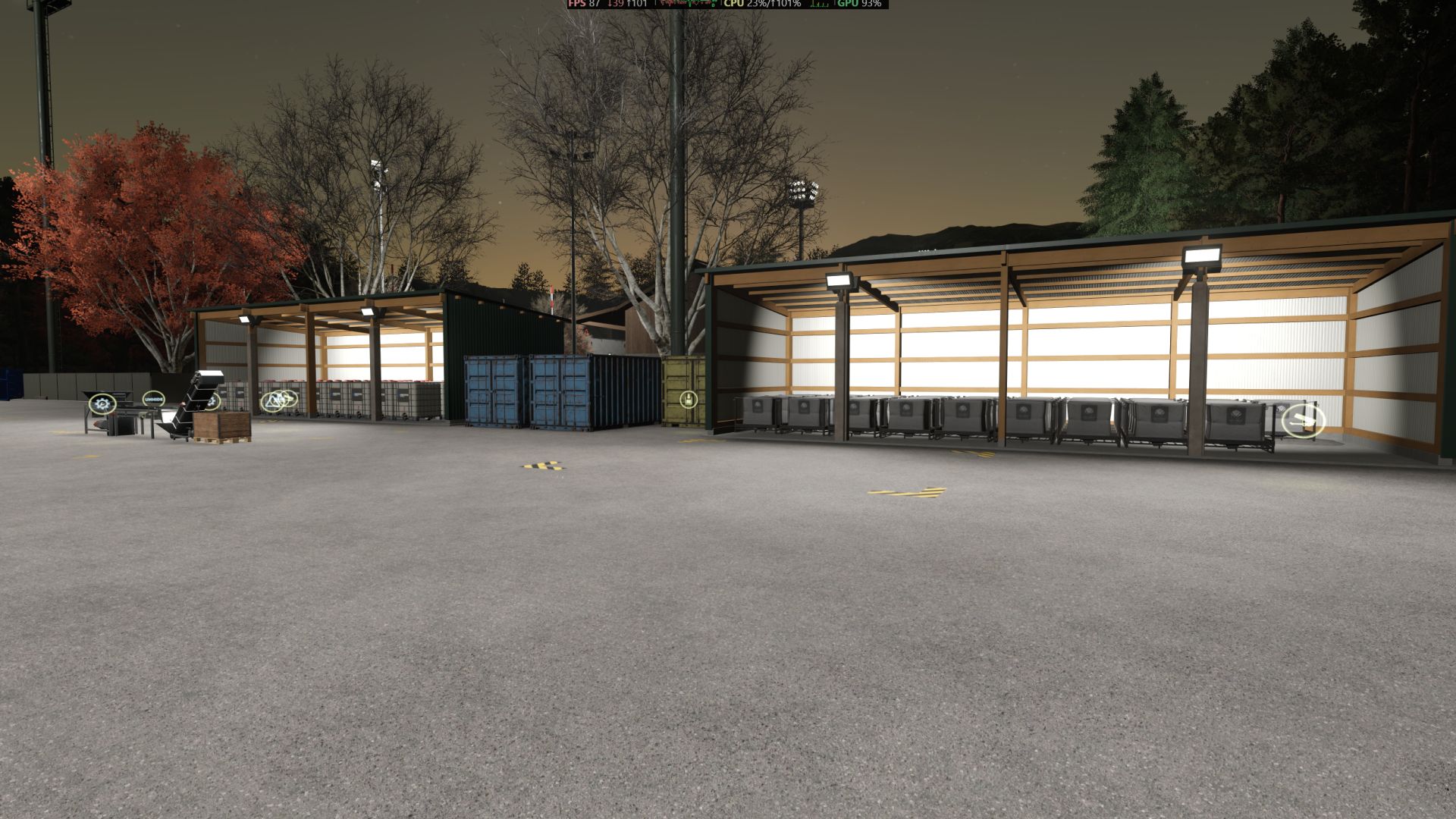
Farmers’ Market is a standalone multiplayer and roleplay (RP) mod that brings player-to-player farm trading to Farming Simulator 25.
Sell bulk products, bales, pallets and bigbags from supported storage and production buildings. Buyers can collect their purchases, arrange player-operated transport or choose express delivery for an additional fee. Transport jobs appear in the standard Contracts menu, with automatic delivery and payment processing.
Listings belong to farms, making the mod ideal for multiplayer communities, production businesses and roleplay economies. Includes fixed sale prices, farm-based settings and admin management tools.
To encourage roleplay and player-to-player trading, products with an active market offer are blocked from purchase in the shop. Buy from another farm instead of bypassing the player-driven economy.
Compatible with the Signs mod.
USER GUIDE
1. INSTALLATION
Place FS25_FarmersMarket.zip in your mods folder and enable it for your savegame. In multiplayer, the server and every client must use the same version. Open ESC > Farmers’ Market.
2. SELLING GOODS
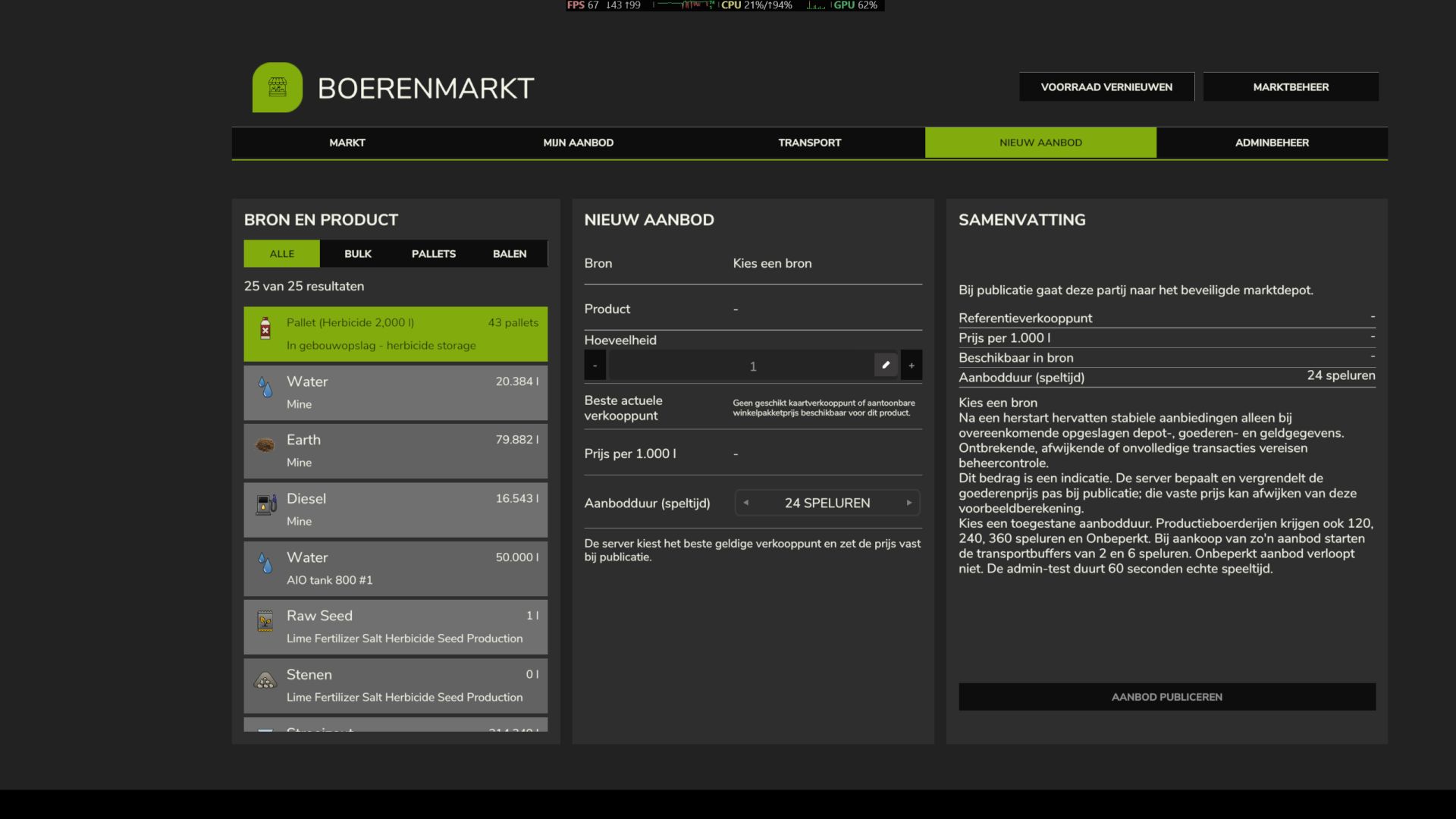
Open New Offer, select a supported source storage or production building, choose the product and quantity, then publish your listing. The market selects the best valid selling point and locks the goods price when the offer is created. Listings belong to the farm, not to an individual player.
3. BUYING GOODS
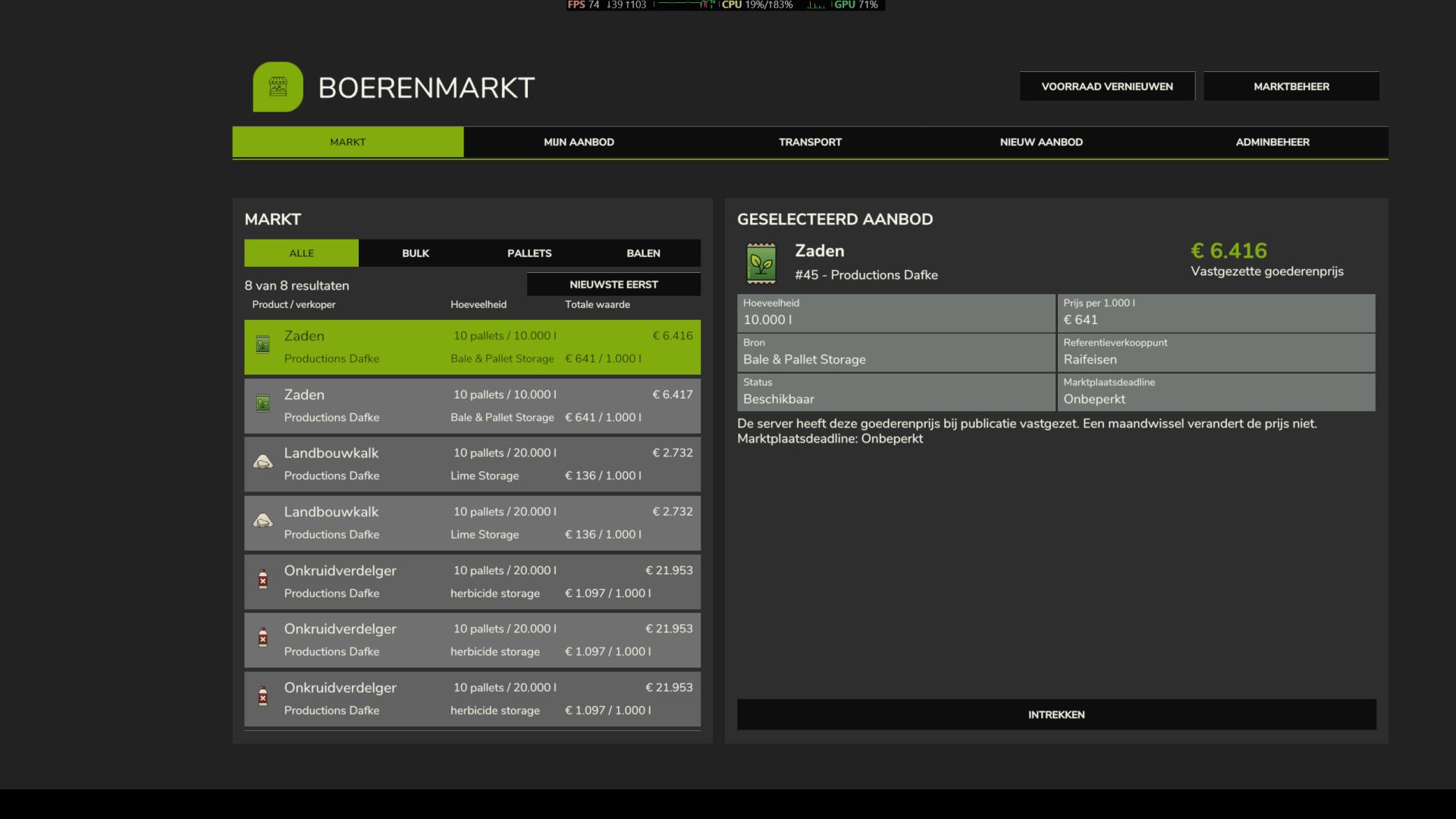
Select an offer and a compatible destination with enough free storage capacity. Choose an available delivery option:
– Self-pickup: collect and transport the purchased goods yourself.
– Player transport: use a transport job that another eligible farm can accept.
– Express delivery: pay the displayed fee for direct delivery into the selected storage, without creating a transport contract.
4. TRANSPORT JOBS
Accept a market transport job in ESC > Contracts. Go to the marked pickup location with suitable equipment and collect the contract goods. Use the loading action where required.
Bring the goods into the marked delivery zone and remain nearby as the carrier farm. The server checks the cargo and performs the transfer automatically. Pressing R or manually confirming delivery is not required. For partial deliveries, payment waits until the entire shipment has been delivered.
After successful completion, the selling farm receives the agreed goods payment and an independent carrier receives the applicable transport payment. A selling farm delivering its own goods receives no transport wage or subsidy; its reserved transport contribution is refunded.
5. MANAGING OFFERS
Use My Offers to view and manage your listings. When an unsold offer expires, you can withdraw it or arrange transport to the selling point selected when it was published, where that option is available.
6. ADMINISTRATION
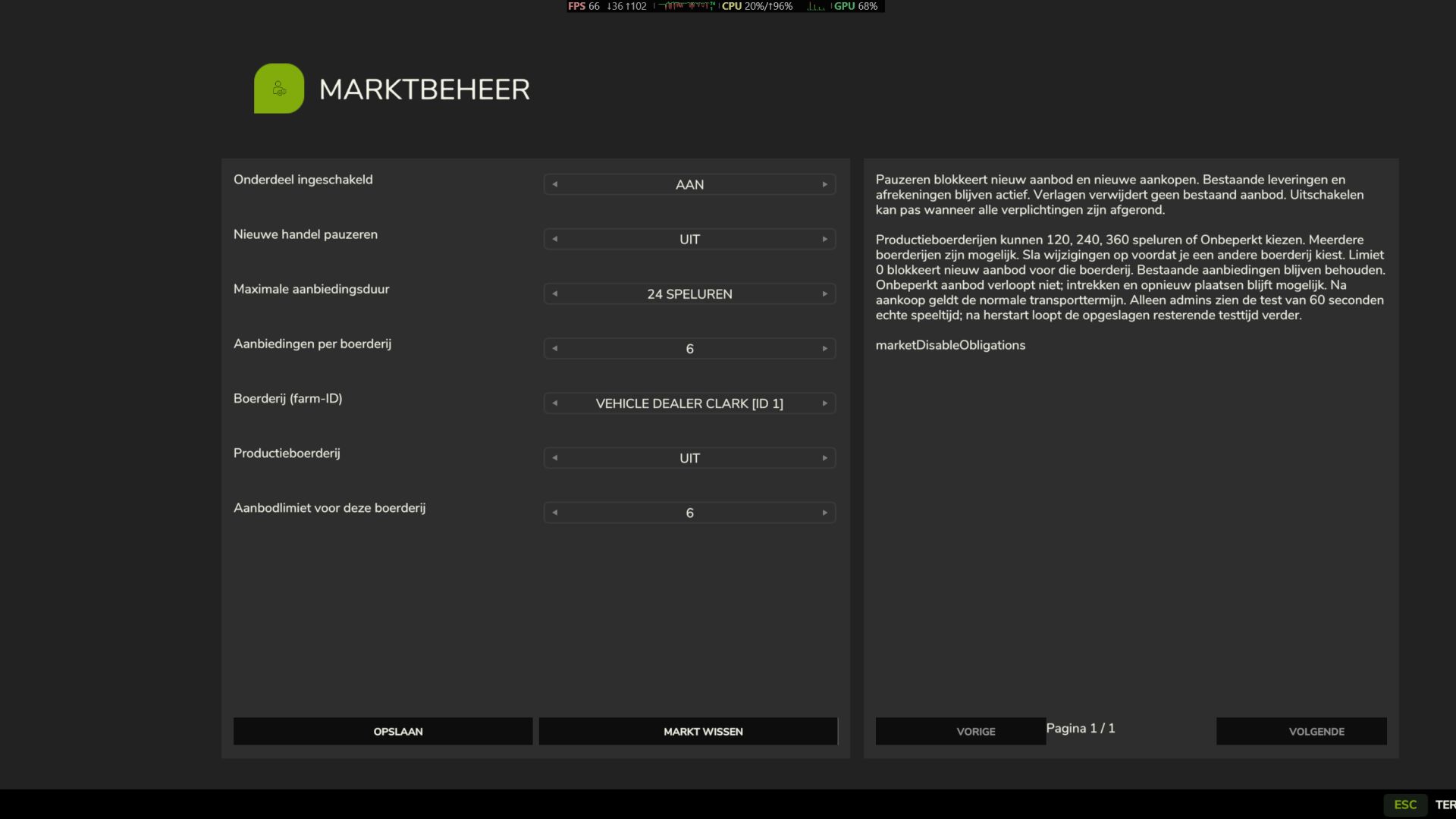
Server admins can use Market Management and Admin Management to configure the market and access recovery tools. Force Remove removes a listing and its contract from the lists; it does not restore goods, pay the seller or refund reserved funds. Keep a full savegame backup before administrative recovery.
COMPATIBILITY
Compatible with the Signs mod. Intended primarily for multiplayer and roleplay servers. Supported storage and production buildings must provide compatible native storage functions.