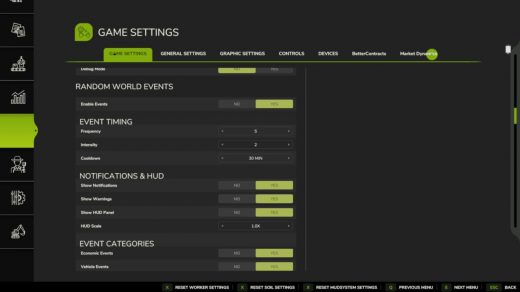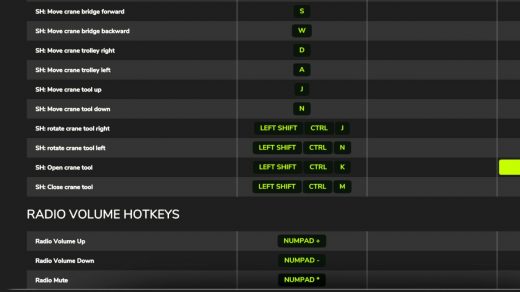
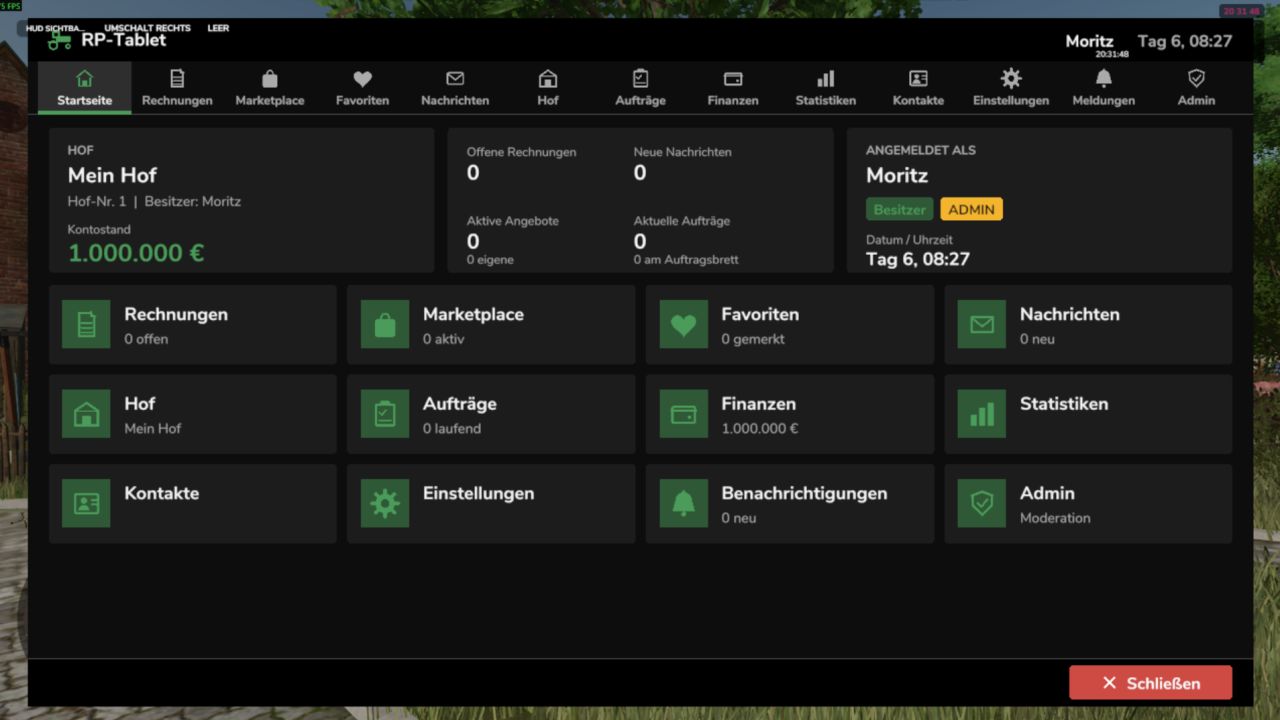
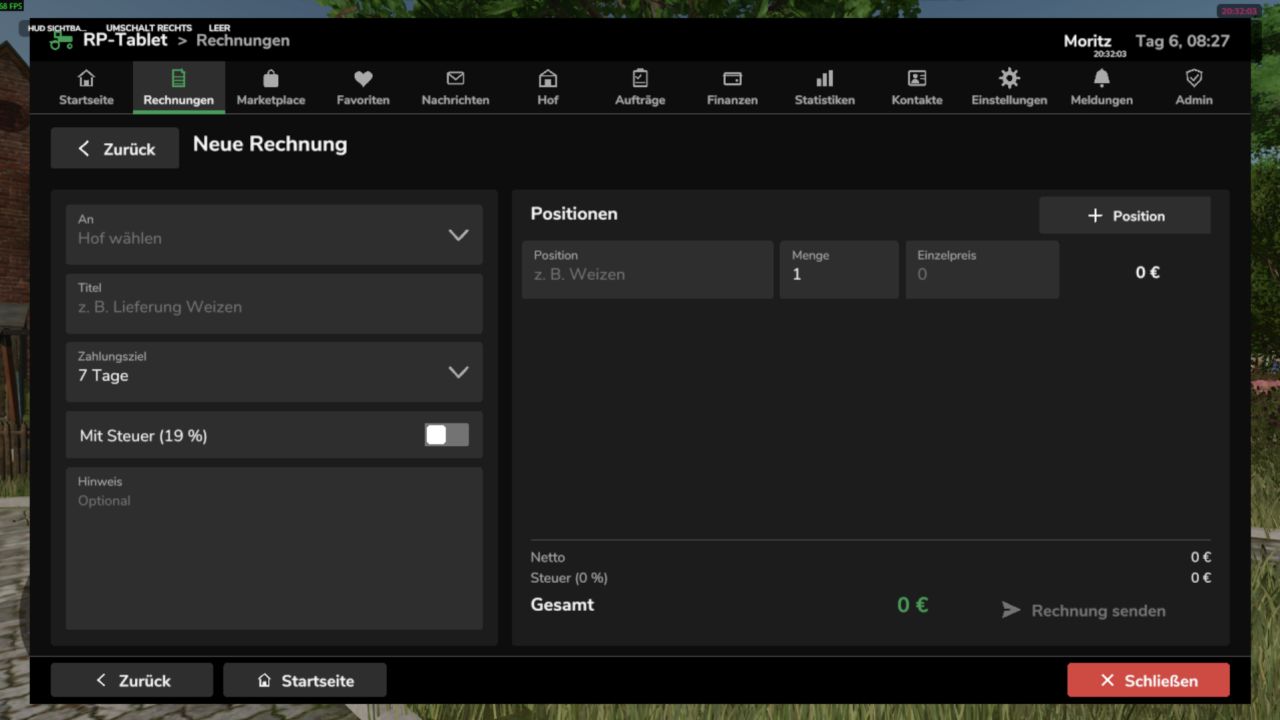
The RP Tablet brings a business tablet into your multiplayer session. With the press of a button, you open a menu styled like the game’s own interfaces, where your farm manages its business: issuing and paying invoices, listing machinery and goods, negotiating, holding auctions, assigning contracts, sending messages, and monitoring finances. Everything runs via the server—money, permissions, and contracts cannot be manipulated on the client side.
Screenshots
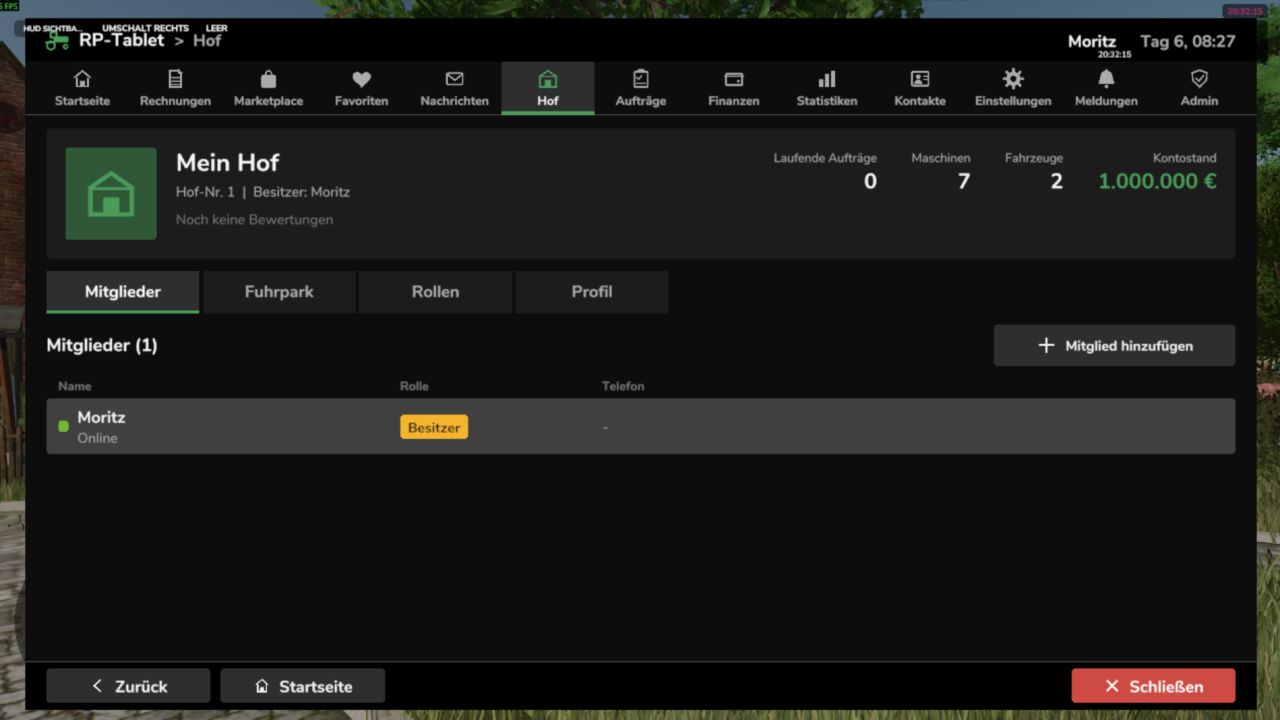
Home – Account balance, outstanding invoices, messages, offers, and contracts at a glance; app bar at the top. Invoices – Line items, tax, payment deadline, status; options to pay, reject, or report. “Back,” “Home,” and “Close” buttons always at the bottom.
Marketplace – Offers and auctions featuring search, categories, filters, favorites, and negotiation options. Finances – Account balance, income and expenses by category, recent transactions, receipts, and pending reviews.
The images are rendered from the mod’s test setup (using sample data, without the in-game background) and illustrate the layout and feature set. Fonts and details may vary slightly in-game.
What can the RP Tablet do?
Invoices
Invoices with multiple line items, optional tax, payment deadlines, and notes
Custom invoice numbers (INV-YYYY-NNNNNN); statuses: Open / Overdue / Paid / Cancelled
Recipient can pay, reject, or report the invoice; funds are transferred immediately between farms
Every payment automatically generates a receipt (TX-YYYY-NNNNNN)
Marketplace
Vehicles, machinery, trailers, tools, animals, crops, products, bales, timber, services, etc. m.
Search, categories, price range, sorting, “My Offers,” and favorites
Buying, negotiating (price proposals, counter-offers), reserving, and auctions with minimum bid increments
Optional market fee; notifications for sellers, buyers, and watchers
Messages and notifications
Messages to players or entire farms, inbox and sent items, search, replies
Centralized notifications with counters (new invoice, sale, outbid, job completed, etc.)
Brief alerts visible even when the tablet is closed
Farm and roles
Farm profile, members, and farm vehicles/machinery
Roles with configurable permissions (e.g., owner, manager, employee)—users see only what they are authorized to see
Revoke and restore tablet access for individual members
Jobs
Job board with description, payment, deadline, and optional restriction to a specific farm
Open → Accepted → In Progress → Completed → Finalized
Automatic payment upon acceptance; If funds are insufficient, an invoice is issued
Finances, statistics, contacts
Account balance, income/expenses/fees by category, transaction history with filters, receipts
Statistics with 7-day chart
Contacts, farm profiles, and ratings (1–5 stars; only for genuine, completed transactions)
Administration
Moderation area for server admins: users, farms, invoices, offers, transactions, reports, logs
Configurable (fees, auctions, negotiations, limits, accent color, debug) via the in-game interface or config.xml
Controls
Action How
Open / close tablet Left Alt + T (customizable under Settings → Controls)
Back “Back” button or Esc (dialog first, then sub-page, then app)
Home “Home” button or first entry in the app bar
Close “Close” button, same key, or Esc on the home screen
The tablet is linked to the farm: You only see your own farm’s data and the apps your role is authorized to access.
Multiplayer and security
Server-authoritative: Money, marketplace, invoices, contracts, permissions, messages, and transactions reside exclusively on the server. The client only sends requests.
Identity never originates from the client—player, farm, and role are determined server-side.
Validation of every action (permissions, price, status, funds), protection against duplicate execution and spam, audit log.
Works on dedicated servers, as a host, and in single-player mode.
Data is saved along with the game save (rpTablet.xml in the savegame folder, with backup).
Installation
Place RP_Tablet.zip (unzipped) into the mods folder (Windows: DocumentsMy GamesFarmingSimulator2025mods). Load your savegame or start the server, then activate the mod.
Press Alt + T in-game.
On a dedicated server, the mod must be active on both the server and all players’ clients.
Notes
The tablet manages money, permissions, and documentation. Vehicles and goods are not transferred automatically; the handover is part of the roleplay.
Transactions use the in-game currency (base: €).
The tablet is a 2D overlay (not a 3D handheld device).
The mod has been tested in a simulated game environment (89 automated tests). Details regarding engine integrations are listed in the README under “API Assumptions.” Please report errors by providing the relevant excerpt from the log.txt file.