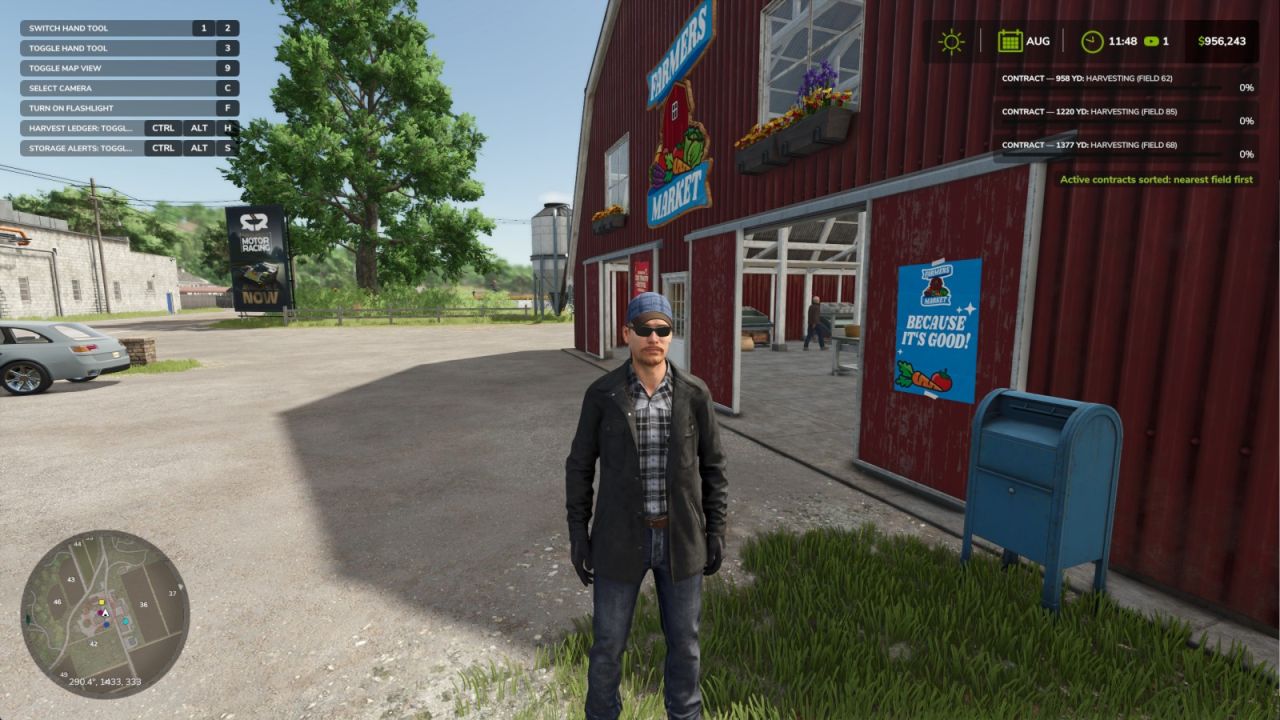
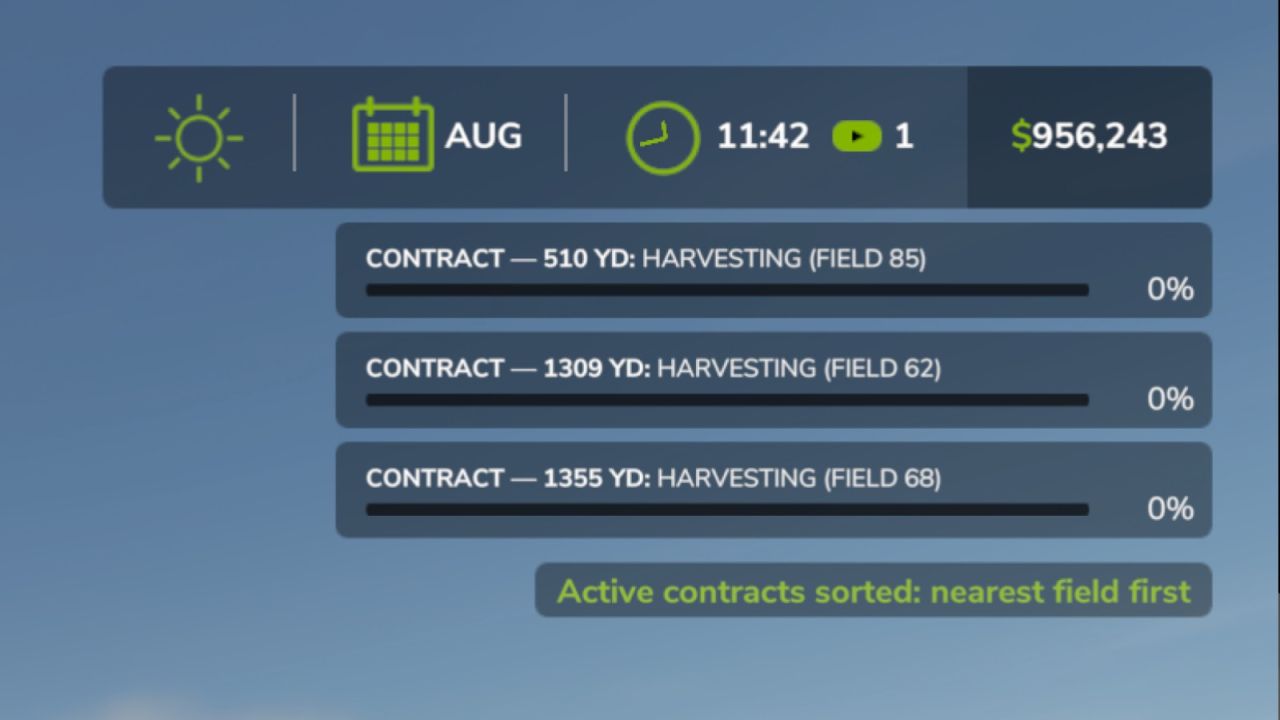
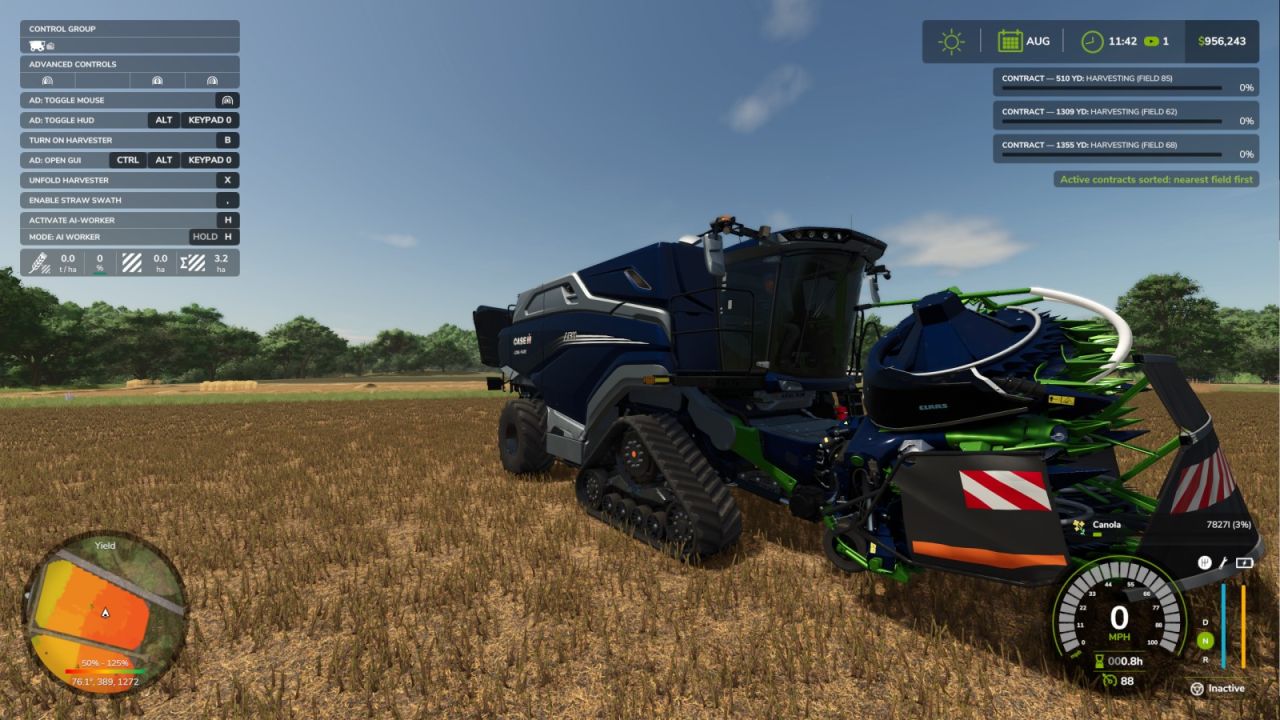
Sorts the active-contract HUD from the closest field to the farthest field and displays each distance in meters or yards according to the measurement units selected in the game settings. Press Right Ctrl + D (configurable under “Sort active contracts by distance”) to sort from your current vehicle position, or from your player position when on foot. Only the local HUD presentation changes; contracts and savegame data remain unchanged.