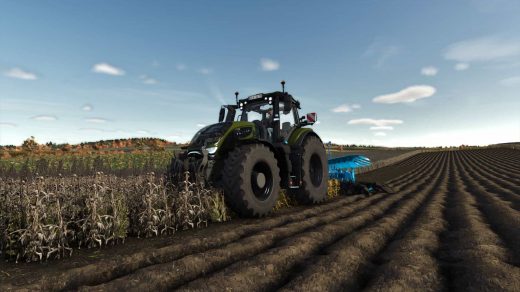
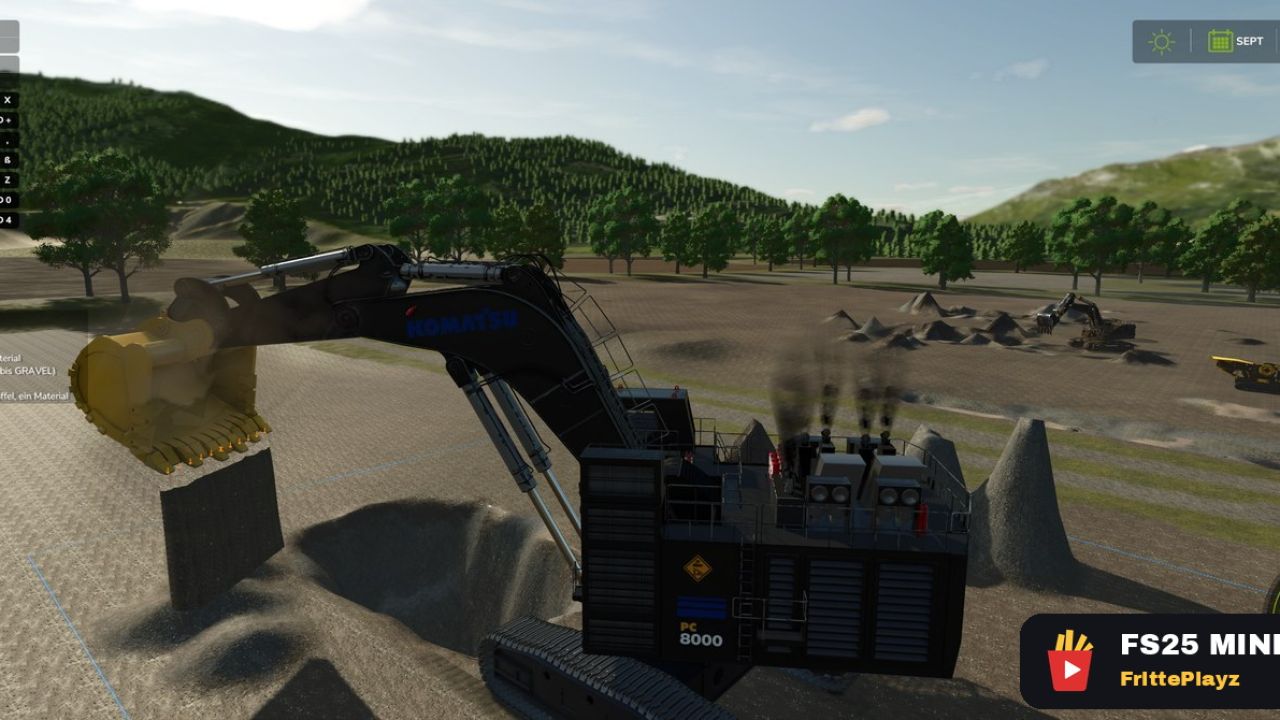
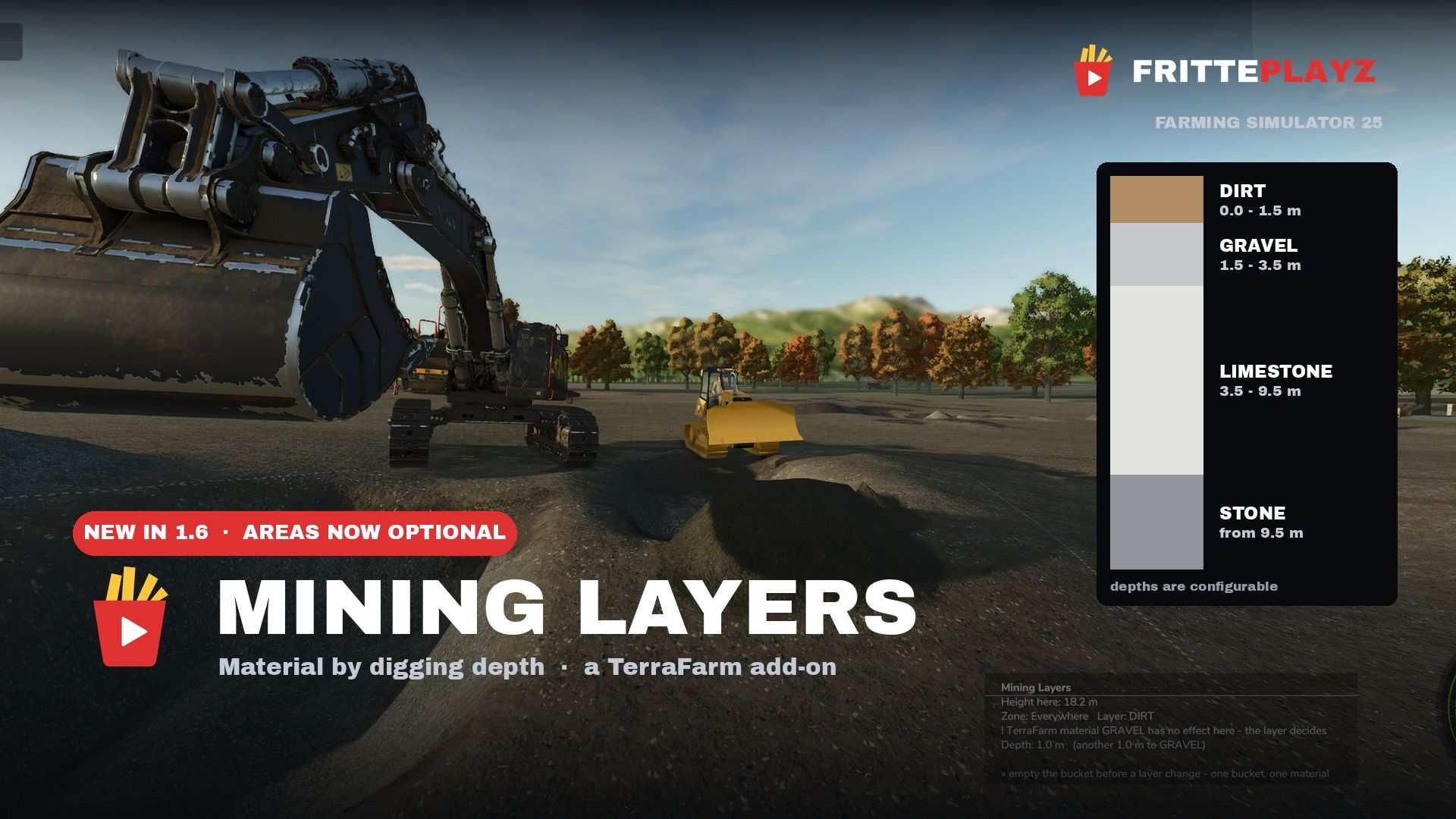
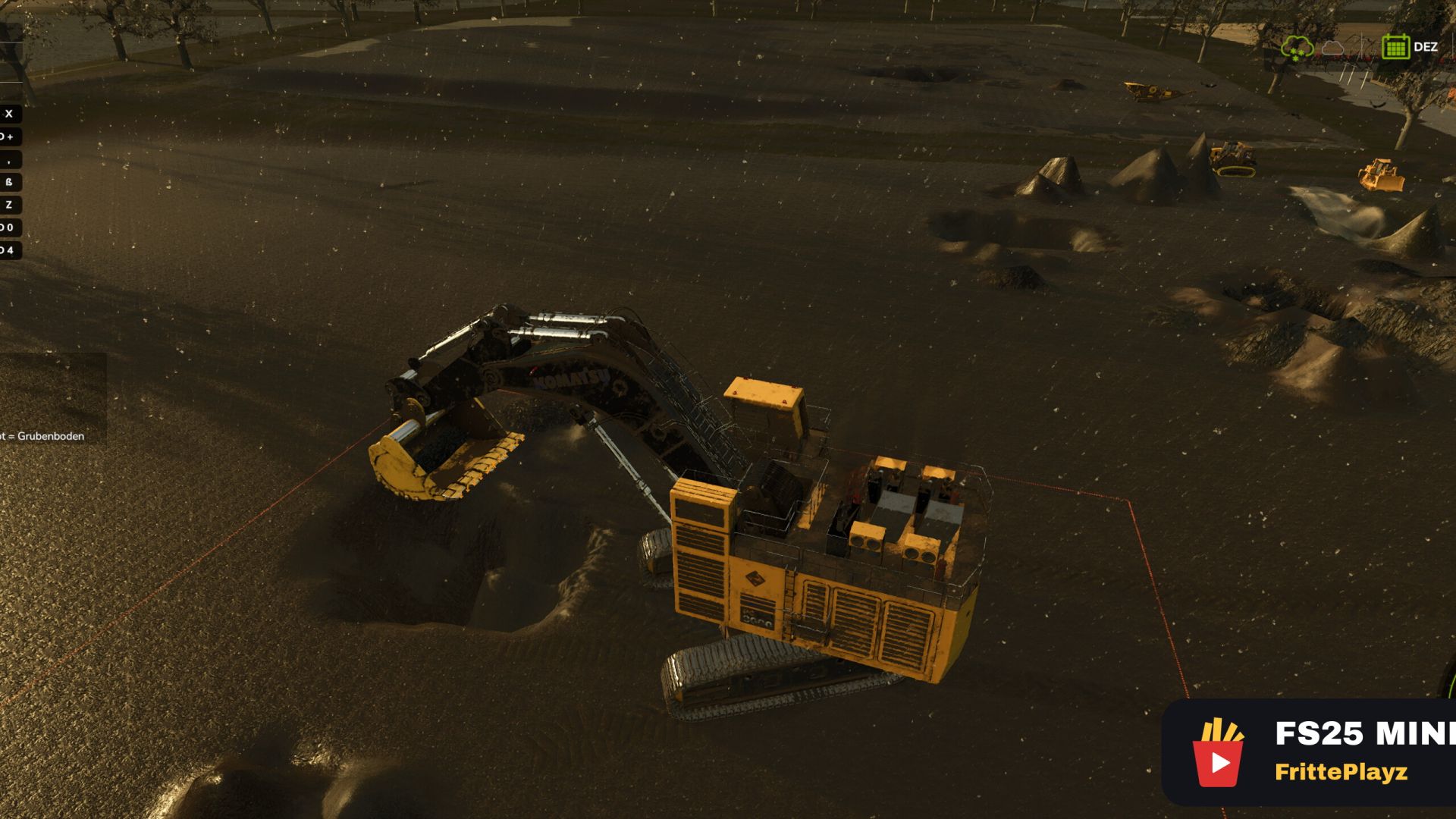
Make your own gravel pit, coal mine or limestone quarry in FS25 — real mining gameplay: the material in your bucket depends on how deep you dig. Topsoil first, then gravel, then the pay seam, bedrock at the bottom. Works on any map, no map editing.
No area to draw. Set the target “Everywhere (no area needed)” on the layers page, save, dig layers apply across the whole map. A drawn TerraFarm area wins wherever you assign one; an area switched off or given a material by hand gets no layers, so building sites and pipe trenches stay clean.
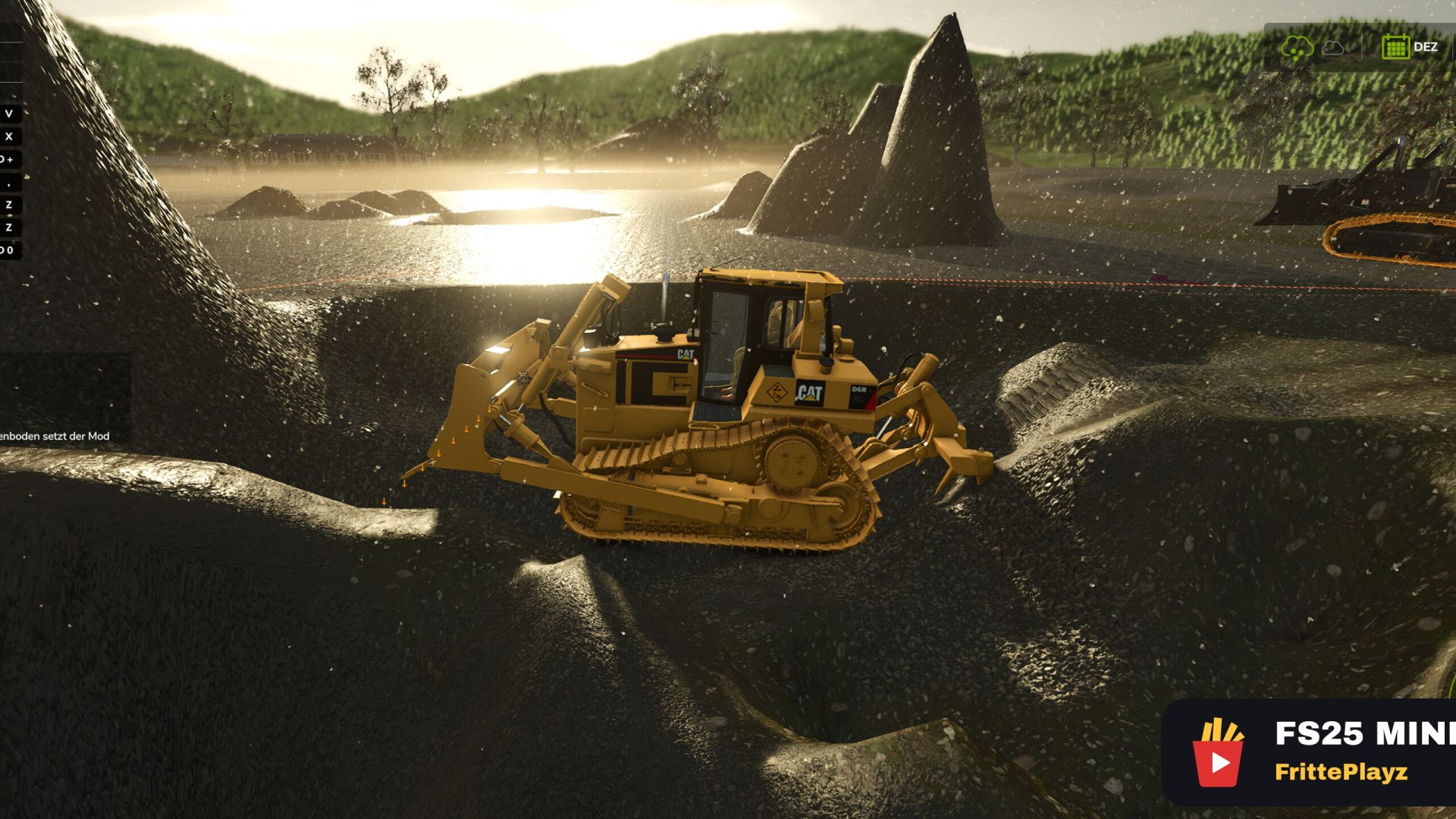
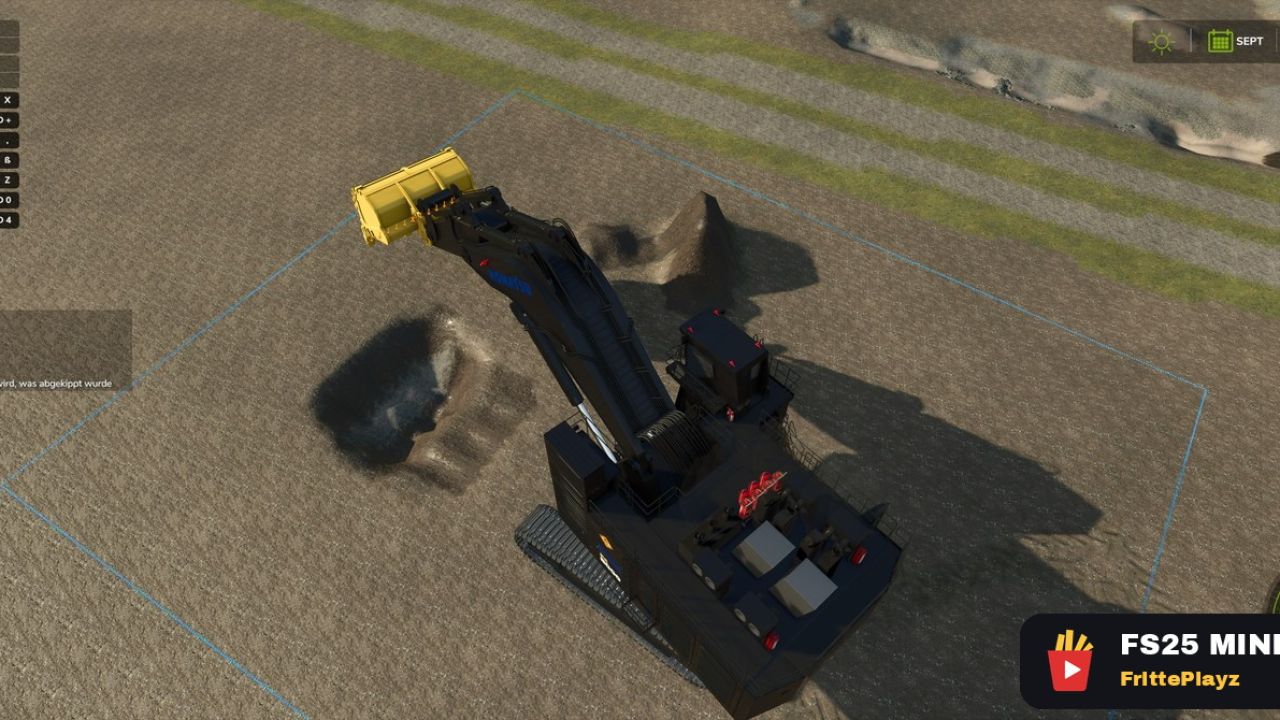
The target height is a tool: level a pad at ground level, cut a berm halfway up the pit wall, grade a ramp at a fixed slope the dozer holds that line. A height you set yourself is never touched by the mod; where it cuts off the lowest layer, the display tells you.
In the game:
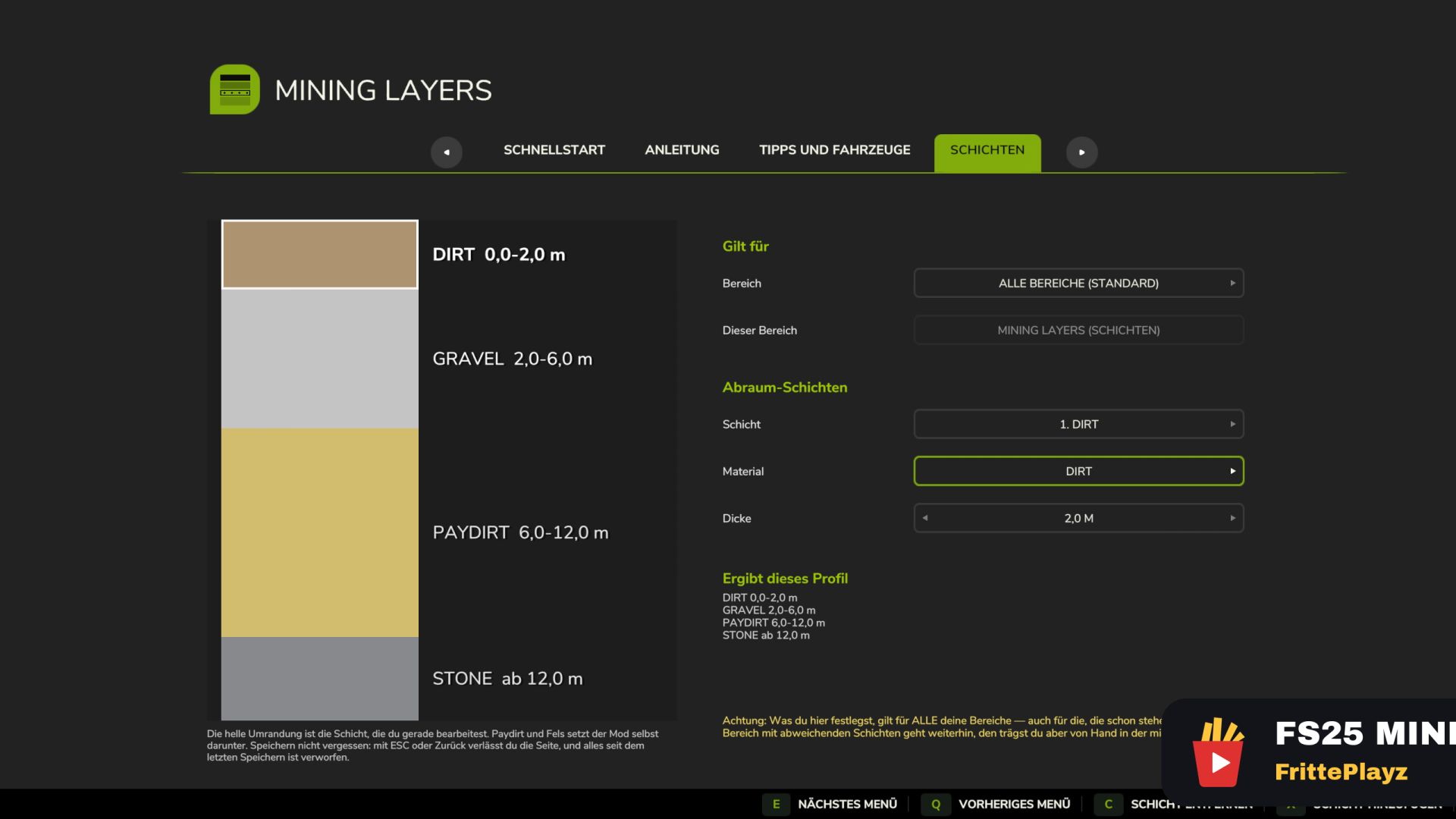
Layer editor in the menu: materials, depths and order per map or per area — your own geology in minutes
On-screen depth display: current layer, dig depth, target height (set by you / automatic) and warnings
Spoil memory: dumped material stays what it was — one bucket, one material
Water guard: no pit floor below the water line unless you set that height yourself
Startup report with your map’s real numbers: ground slots total / in use / channel width — full slots are the actual reason material digs and sells but will not tip back onto the ground
Seven languages (EN, DE, FR, PL, IT, PT, BR), in-game manual included
29-minute video tutorial, subtitled in seven languages
Requires TerraFarm by scfmod (GitHub only, folder must stay FS25_0_TerraFarm) and at least one machine with a TerraFarm configuration. PC/Mac only. Unofficial add-on, not affiliated with scfmod or GIANTS. Download, source and bug reports: GitHub.
V1.6.0.0
IMPORTANT FIX: 1.4.3.0 and 1.5.0.0 could freeze the game when the shovel was deep in the ground or working against a steep wall (one Lua error per frame, log +10,000 lines/s). Also affected players who had not changed anything. Fixed. If you stay on an older version: set freeDumpHeight=”false” in the miningLayers.xml.
New:
Layers with no area drawn: Target “Anywhere (without area)” on the Layers page — so far the most common reason people thought the mod didn’t work
Target height becomes a tool: a height you set will no longer be automatically pulled down (levelling, berms, ramps). Without a height of its own, there is automatically a pit floor beneath the deepest layer
Target height in the display: value, origin (set by you / automatic) and warning if it cuts off the bottom layer
Portuguese and Brazilian Portuguese (thanks to Alicopower) — now seven languages
Starting report with the real numbers of your card: total soil material places / occupied / channel width
Rejected terrain changes are visible: the display reports when three trains in a row have not moved any volume
29-minute video tutorial at the top of each mod page
Fixed:
Turning off a named area no longer deletes its layers
Depth display also works outside a drawn area
Water protection checks every corner of an area (previously only point 1) – a pit floor below the water line heals itself during loading, intentional flooding remains possible
No guessing about the shift before hitting the ground
Map report is no longer truncated in the menu
Various display and text errors in all seven languages
Changed:
Log is now completely English (game display and menu remain in your language) — logs move to GitHub and Discord, a common language helps everyone
New header image, FrittePlayz logo updated
Required mods:
TerraFarm