
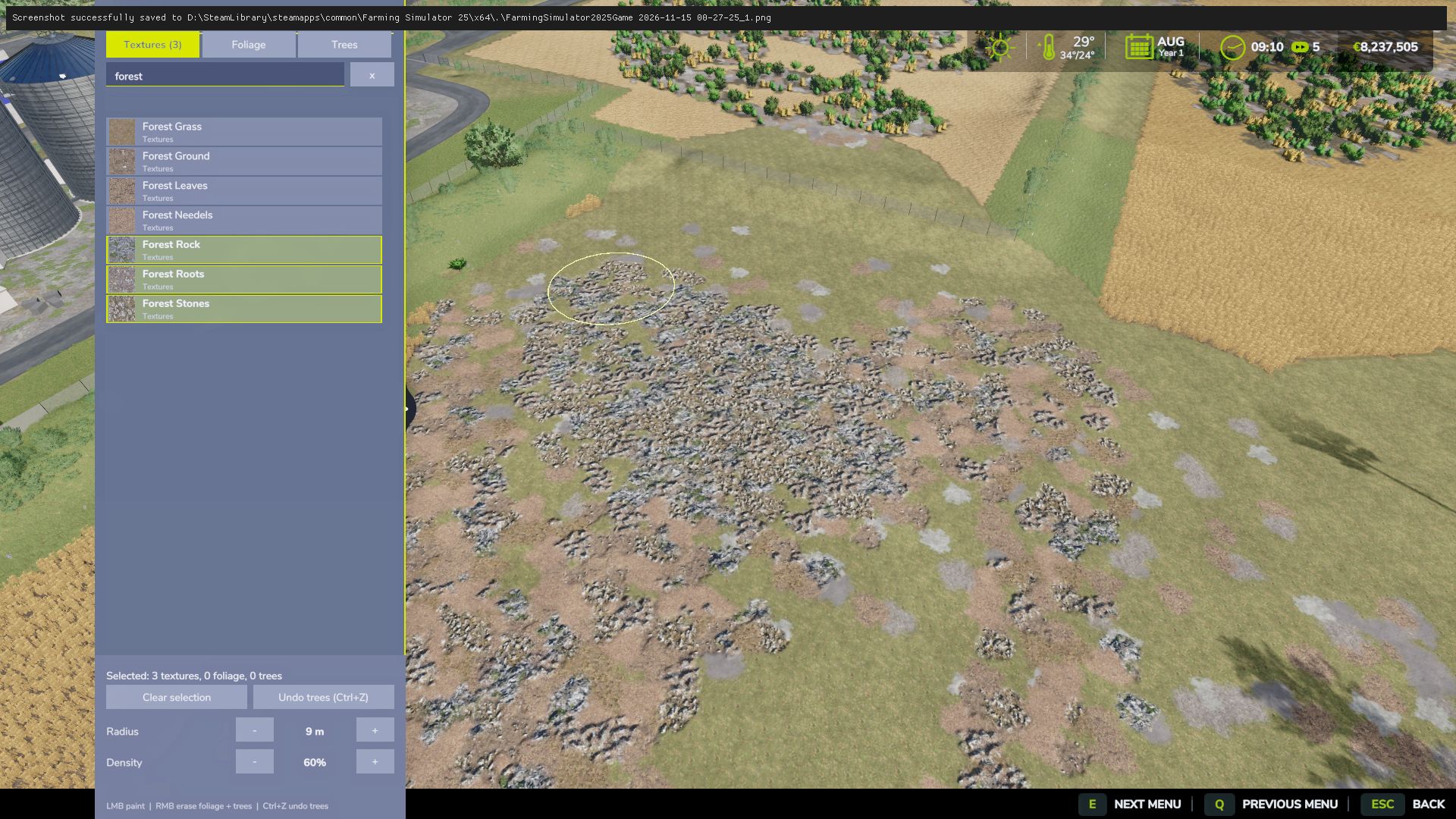
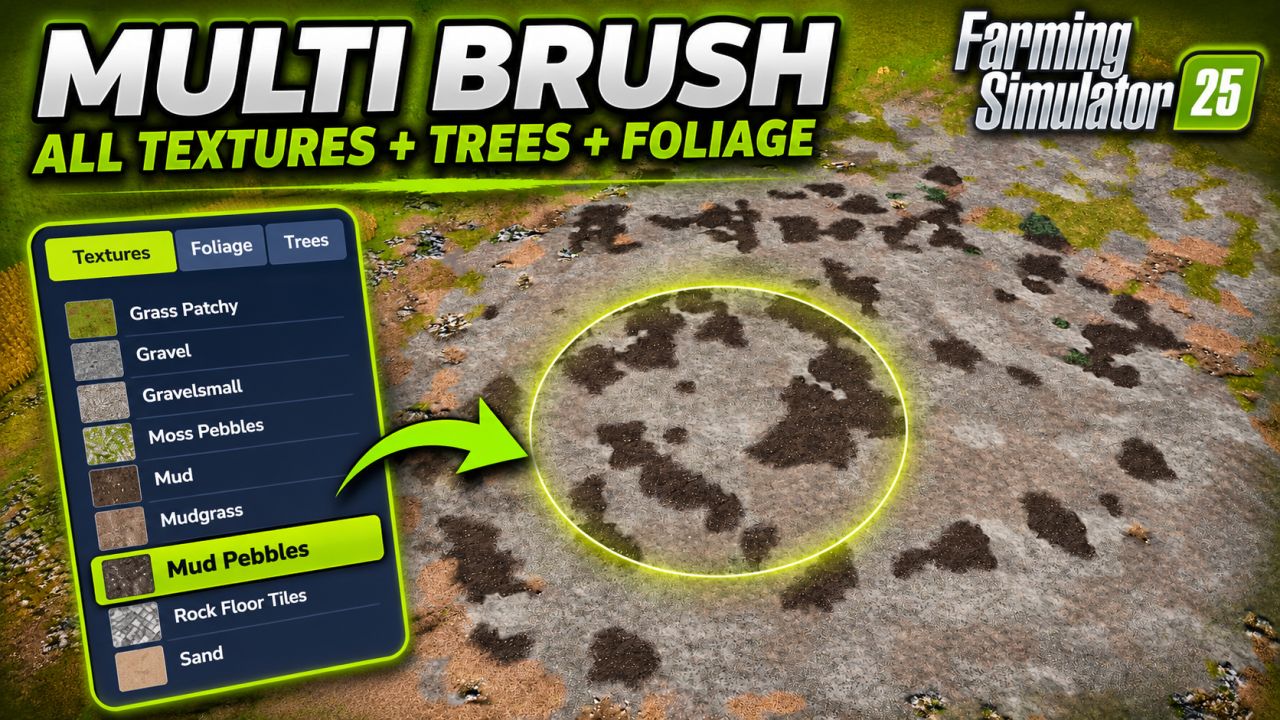
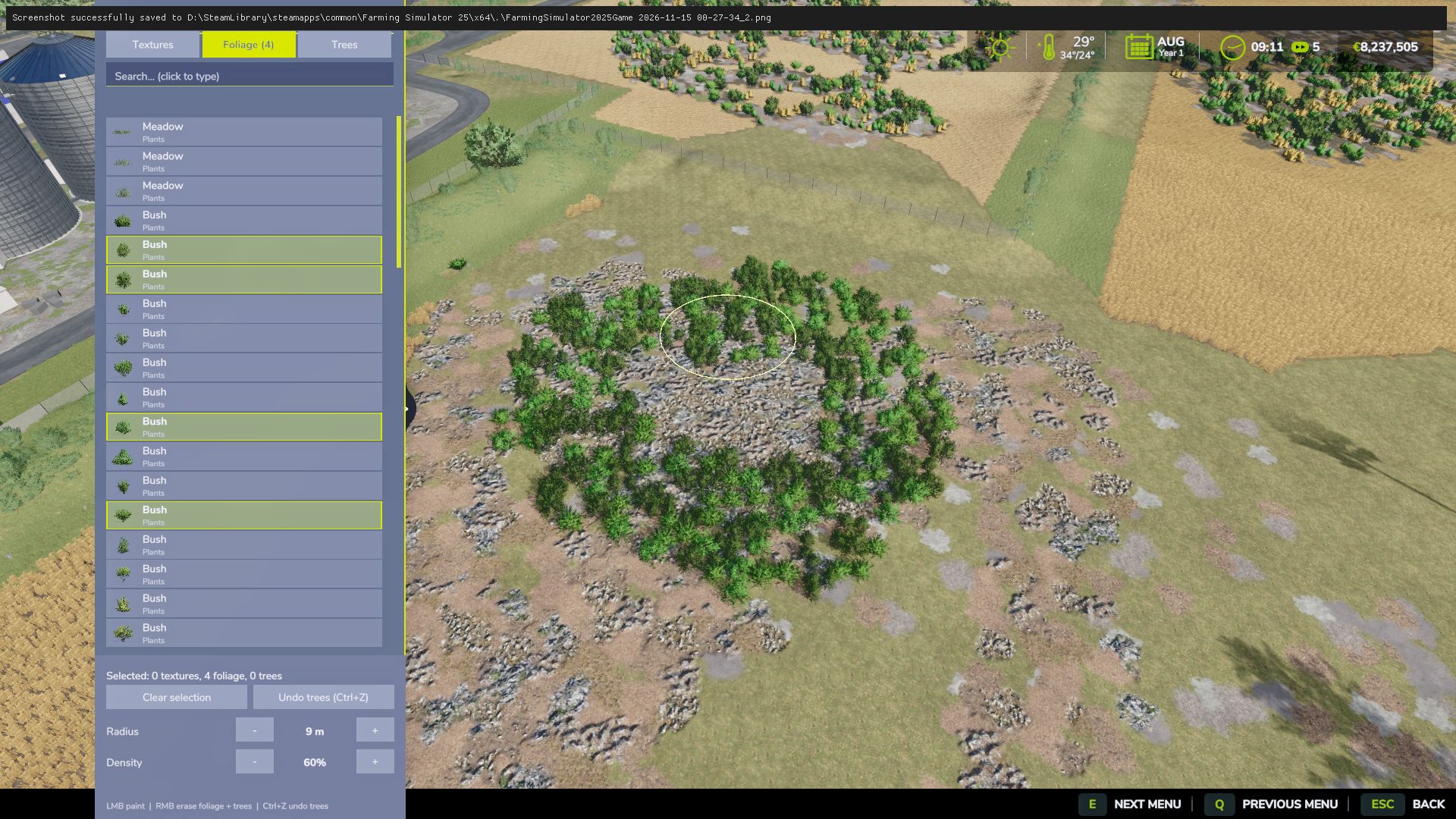
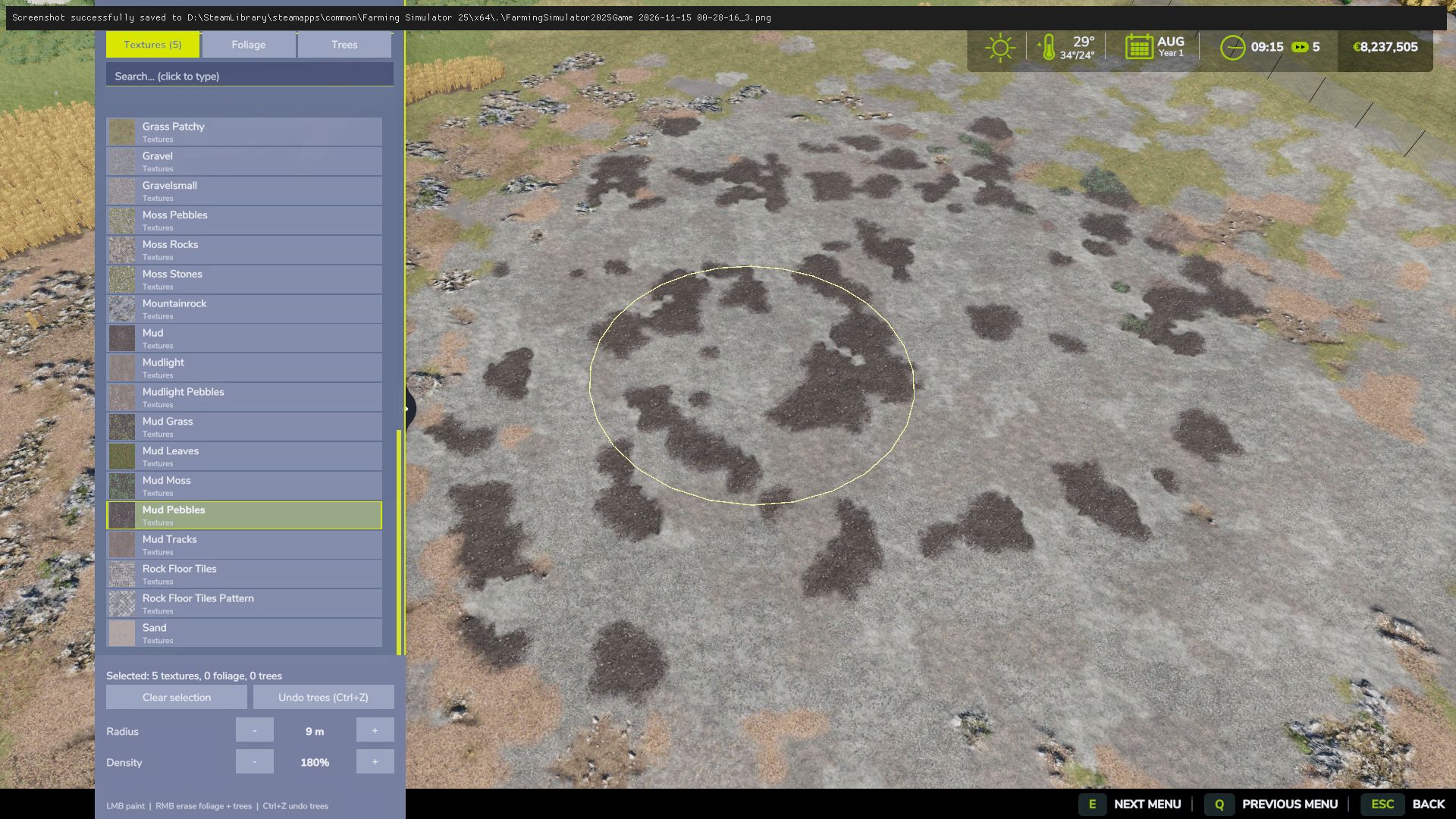
Select several textures, foliage and trees at once and paint them all with one brush.
Press Ctrl+O in game to open the Multi Brush panel, a separate FS25-style window with all ground textures, foliage (grass, weeds, flowers) and trees available in your game: base game, DLC and mods, including every tree size and model. Click to select as many items as you want, then hold the left mouse button on the terrain: everything you selected is painted and planted together, mixed naturally. Trees are placed sparsely so their crowns never touch.
You can search the list, filter by category, adjust radius and density, and erase with the right mouse button. Planted trees can be undone with Ctrl+Z.
You can also use it in the default construction menu (Shift+P): hold Ctrl and click multiple items. With 2 or more trees selected the brush becomes a seed brush that scatters random trees from your selection inside the brush circle.
Features:
Ctrl+O multi-select panel with every texture, foliage and tree
Search box and category filters, an icon for every item
Mix textures, grass, weeds and trees in one stroke
Sparse, non-touching tree placement
Right mouse button erases foliage and trees in the brush circle
Undo for planted trees (Ctrl+Z)
Adjustable radius and density
Normal prices, works in singleplayer and multiplayer
Controls:
Ctrl+O – open / close the Multi Brush panel
Left mouse button – paint / plant everything selected
Right mouse button – erase foliage and trees
Ctrl+Z – undo planted trees
Shift+P – default construction menu (Ctrl+click to multi-select)
Notes:
DLC and mod content only shows up if you own / have loaded it. The mod has no DLC dependency.
Textures and foliage layers belong to the loaded map, so layers from other maps appear only on that map.
Tree erase and undo work in singleplayer and for the multiplayer host.


