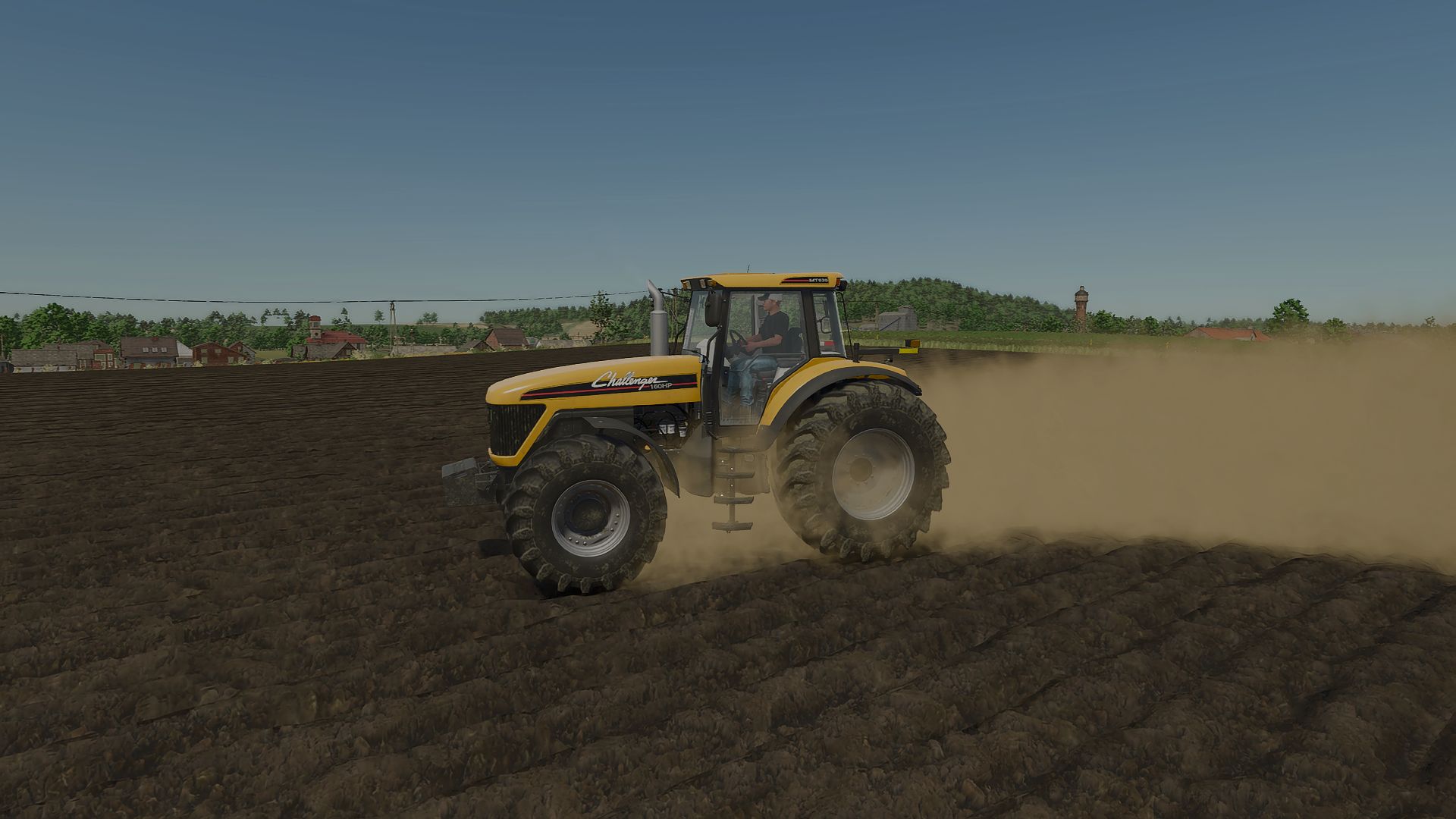
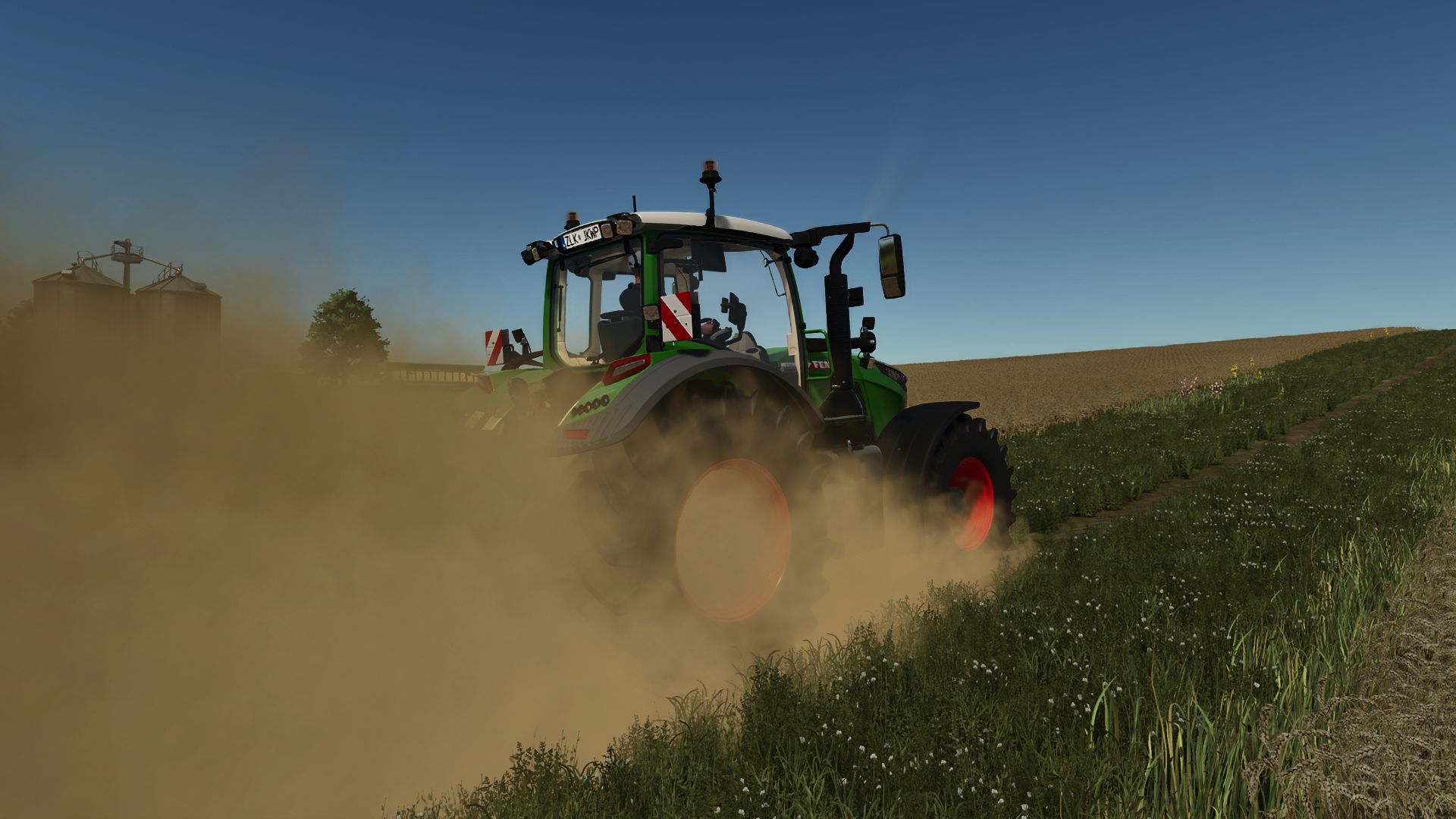
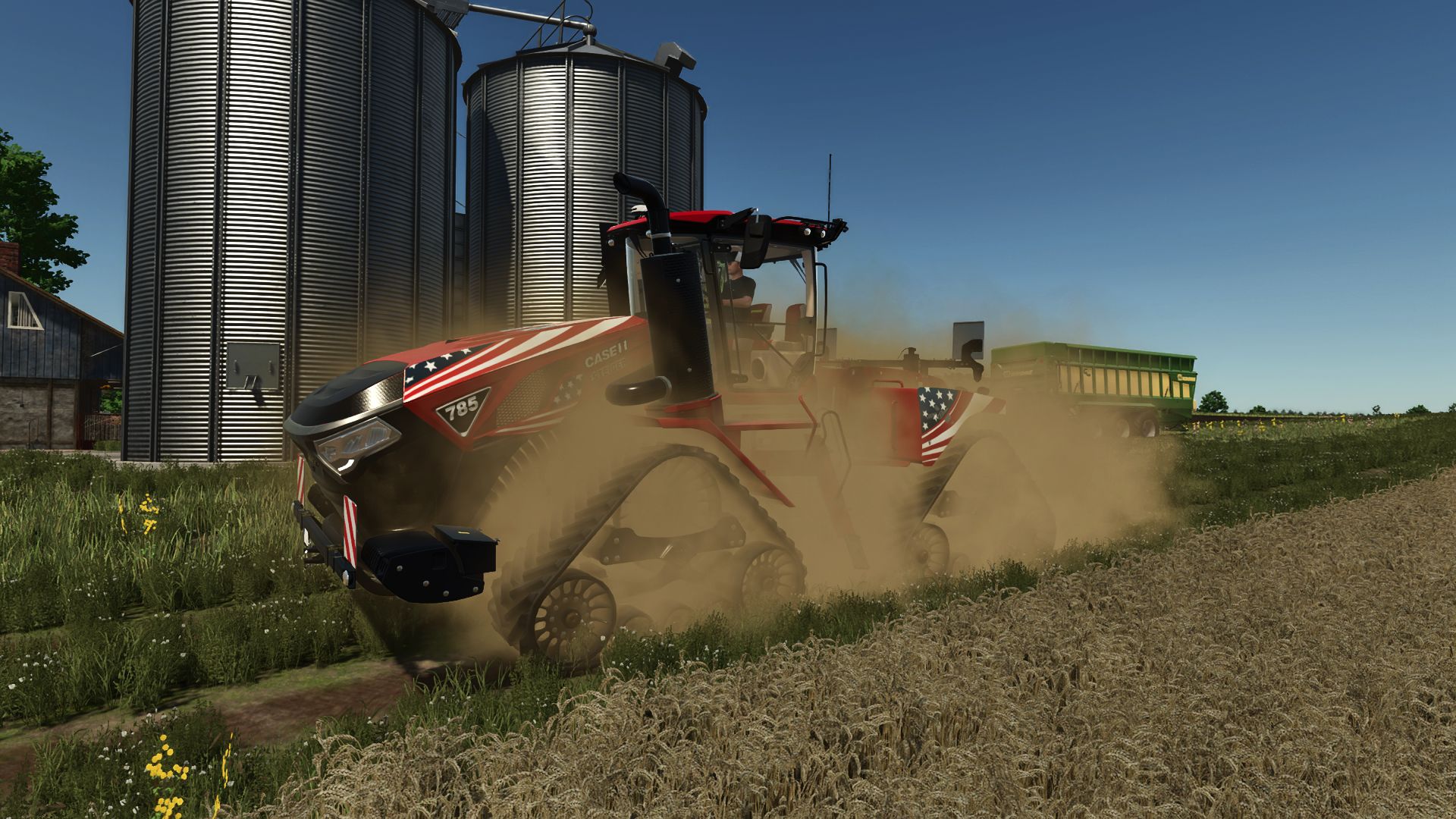
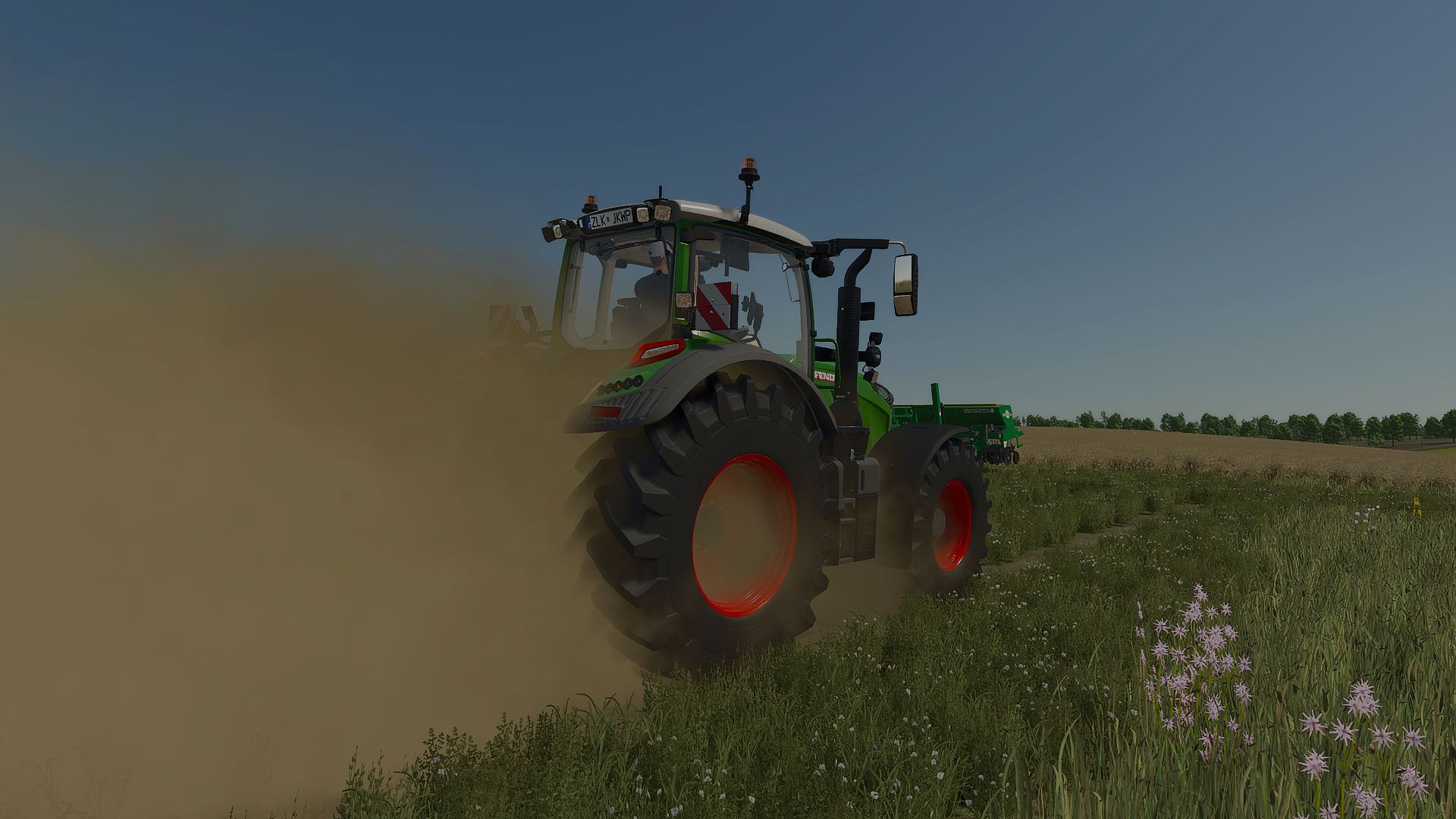
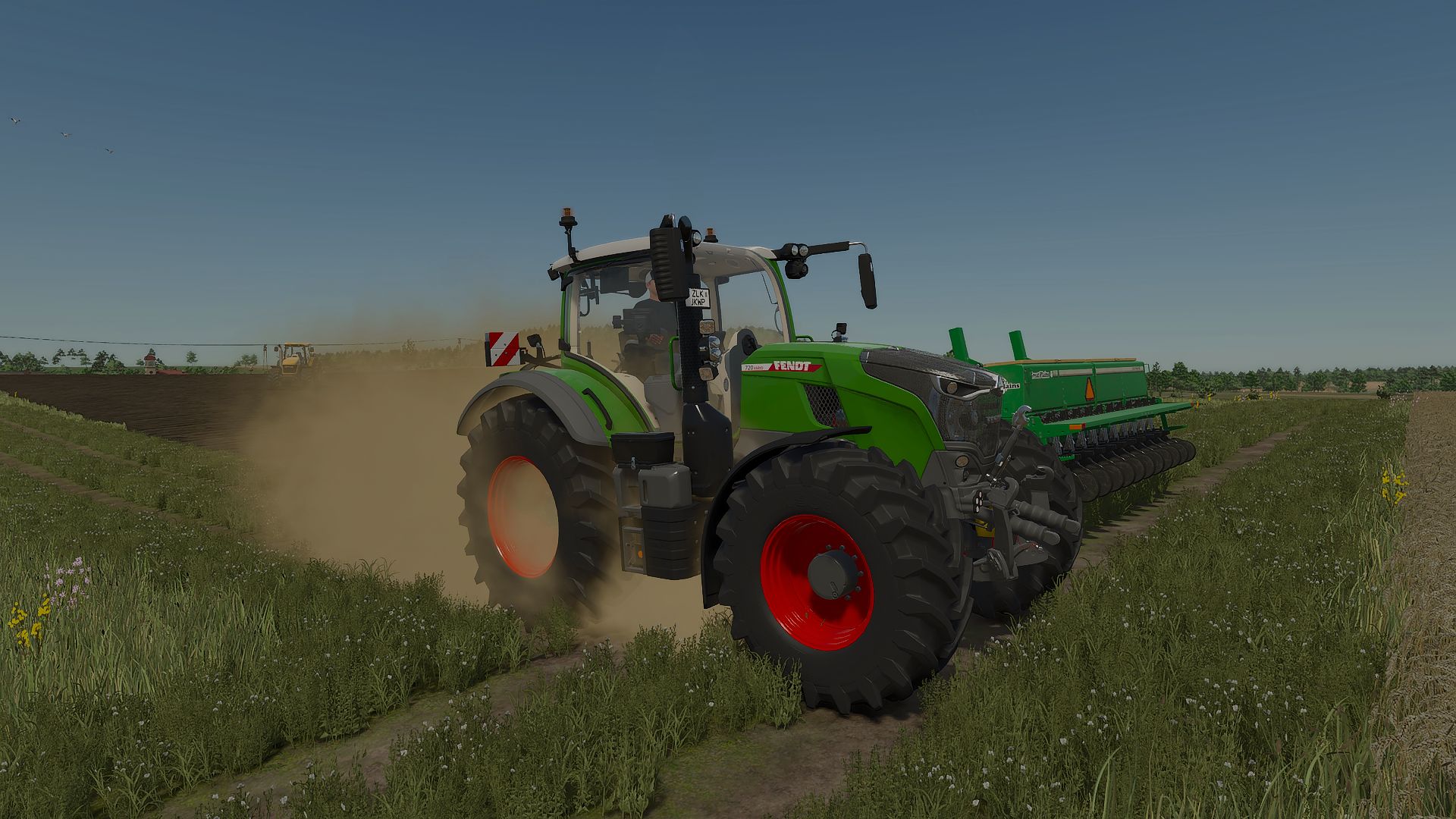
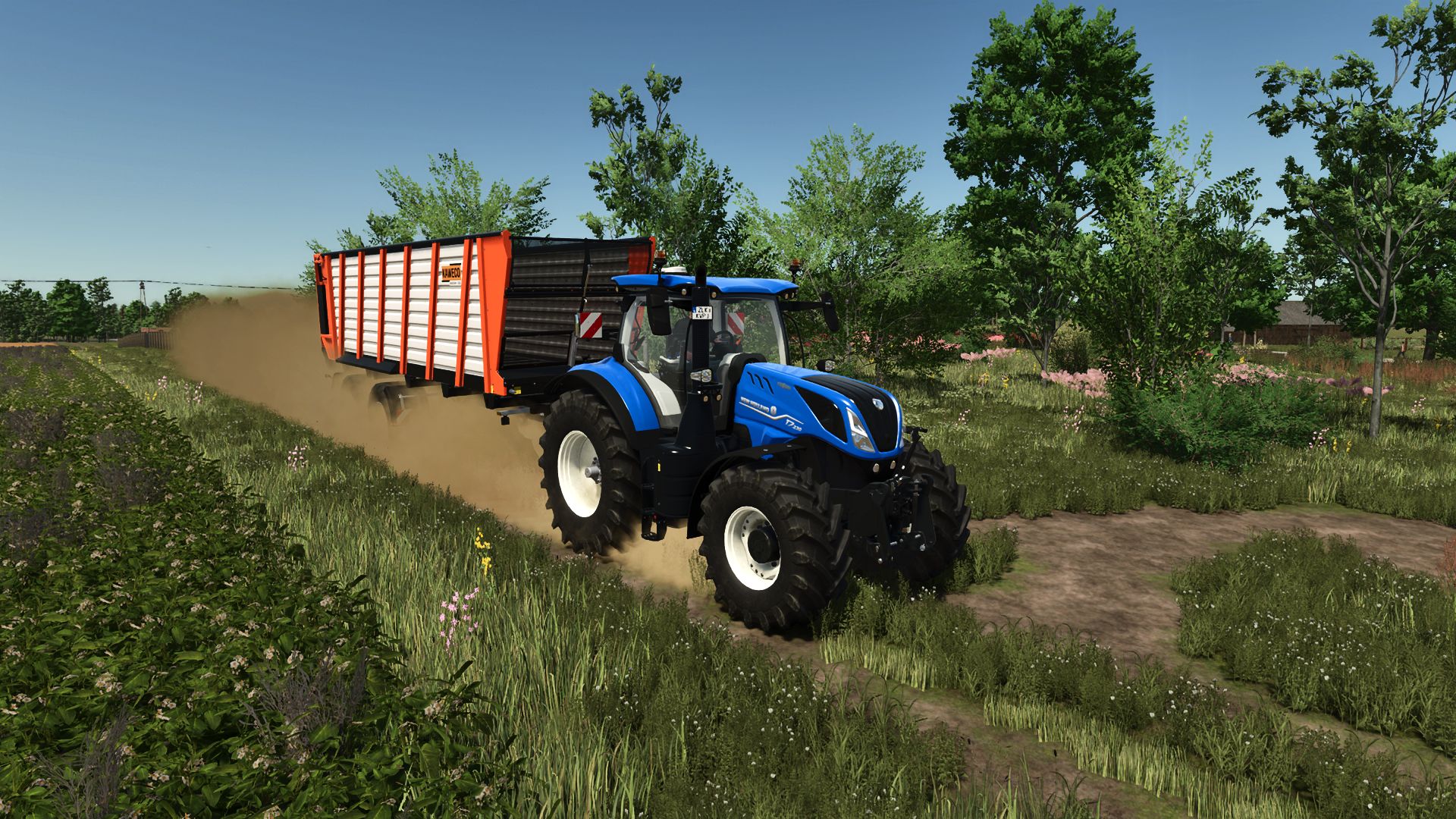
Real Dust is a global wheel-effect script for Farming Simulator 25. Its purpose is to make dry driving feel less flat without requiring a separate XML edit for every tractor. The supplied project files hook into the vehicle wheel update process and position custom particle emitters behind moving wheels. This lets normal wheeled vehicles produce a fuller dust plume while they travel across suitable ground.
The effect is not designed as one constant cloud. Vehicle speed, ground conditions, wheel position, and the selected settings influence what the player sees. A lighter wind plume drifts left and behind the wheel dust, while the small-stone effect remains closer to the tire path. Wet ground reduces the dry-looking result, helping rain and damp conditions remain visually different from a hot, dusty field.
What Real Dust Changes
The main dust source comes from the custom effects/realDust.i3d particle file. A second source, effects/realDustStones.i3d, is used for the smaller stones thrown behind the tires. The current source package also includes the shape files and stone textures required by those effects. Because the emitters are created by the script, Real Dust can work across ordinary wheeled vehicles instead of being tied to one tractor model.
Produces thicker custom dust on dry fields, dirt tracks, gravel, and off-road surfaces.
Places the main dust cloud behind each active wheel and adds a lighter left-drifting wind plume.
Adds a separate small-stone particle effect close to the tire path.
Builds light washable dirt gradually on supported vehicle bodies and wheels.
Reduces the effect when the ground is wet so damp soil does not behave like dry dust.
Provides separate controls for the full mod, dust particles, stone particles, and effect amounts.
In-Game Real Dust Settings
Open the normal game settings screen and look for the Real Dust group. The master option turns the complete system on or off. Dust Particles and Stone Particles can then be controlled independently, which is useful when a player wants the dust cloud but prefers fewer extra particles.
Dust Amount and Stone Amount are documented with a range from 25% to 200%. Start at 100% and drive the same vehicle along the same dry route before raising the value. Lower settings are the sensible first choice on older hardware, with several vehicles working in one field, or when another visual-effects mod is already active.