What it does
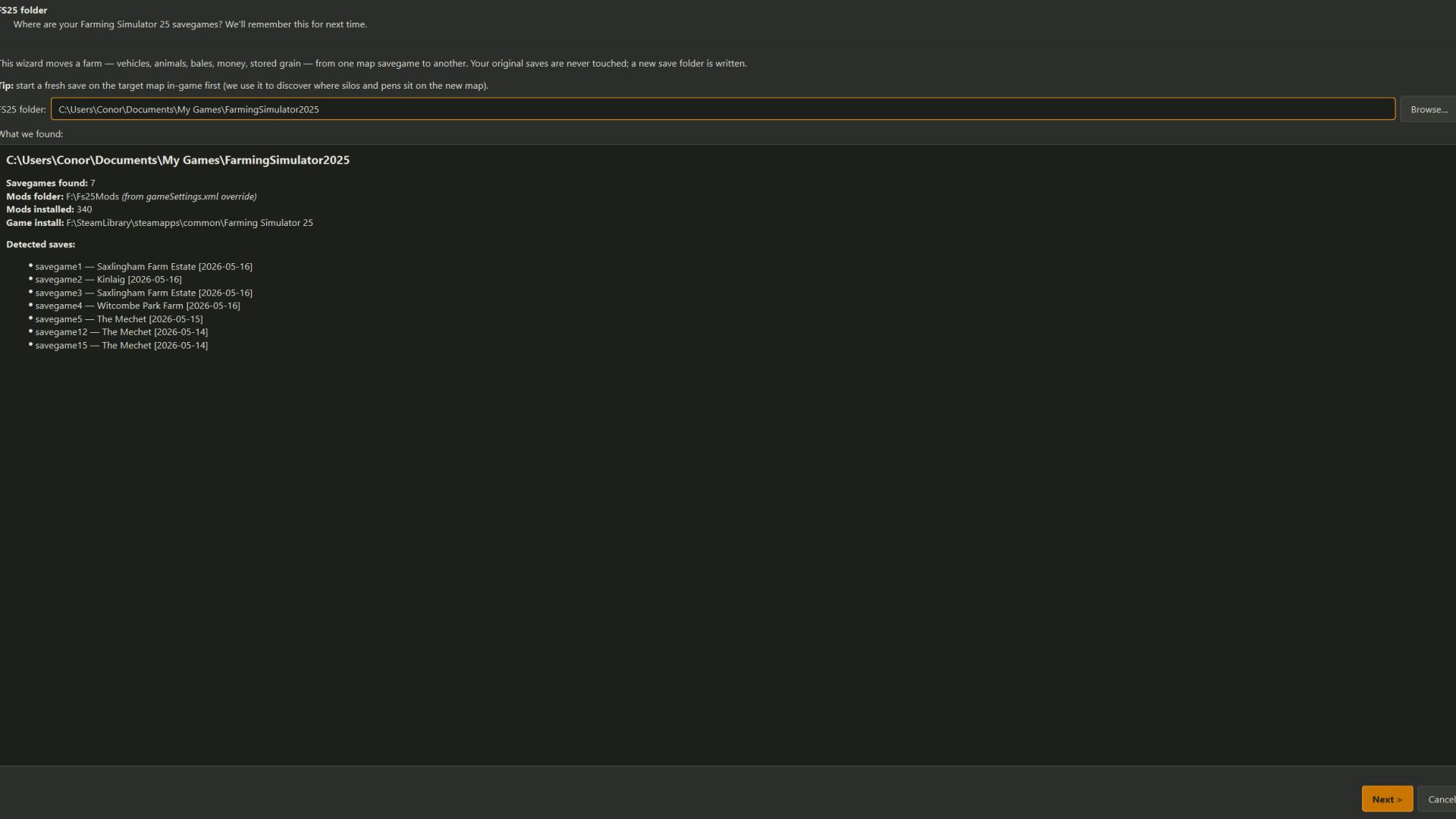
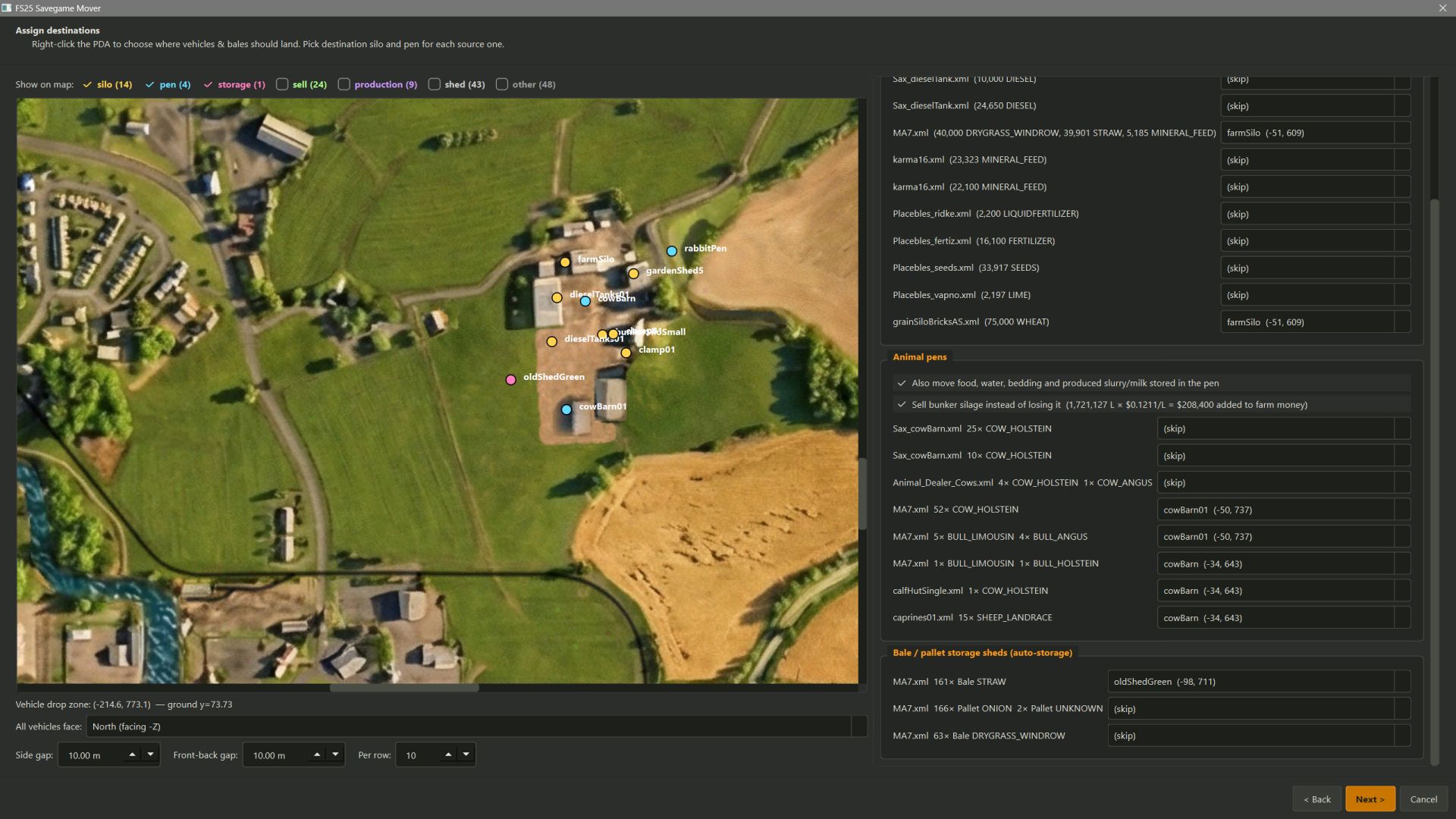
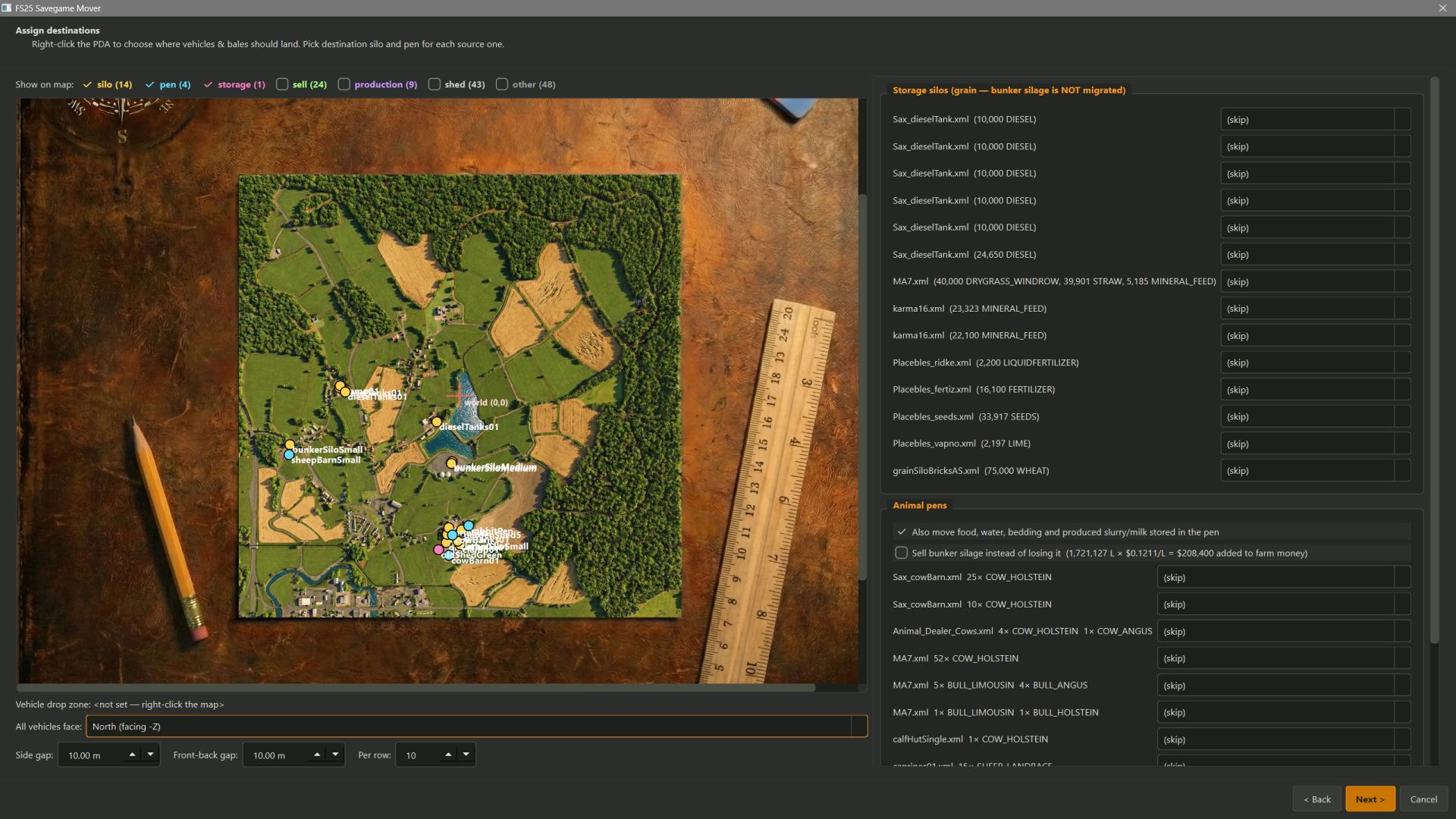
FS25 has no built-in way to move a farm between maps. This tool reads your existing savegame, lets you point at a fresh save on the new map, and rewrites the new save with your farm — placed exactly where you click on the PDA-style overview. This is not Dummy proof, some common sense is needed.
This is a EXE file, on first launch you will get a windows prompt from windows defender, as this is read and writing to folders, Click on More Info and run anyway
Migrates:
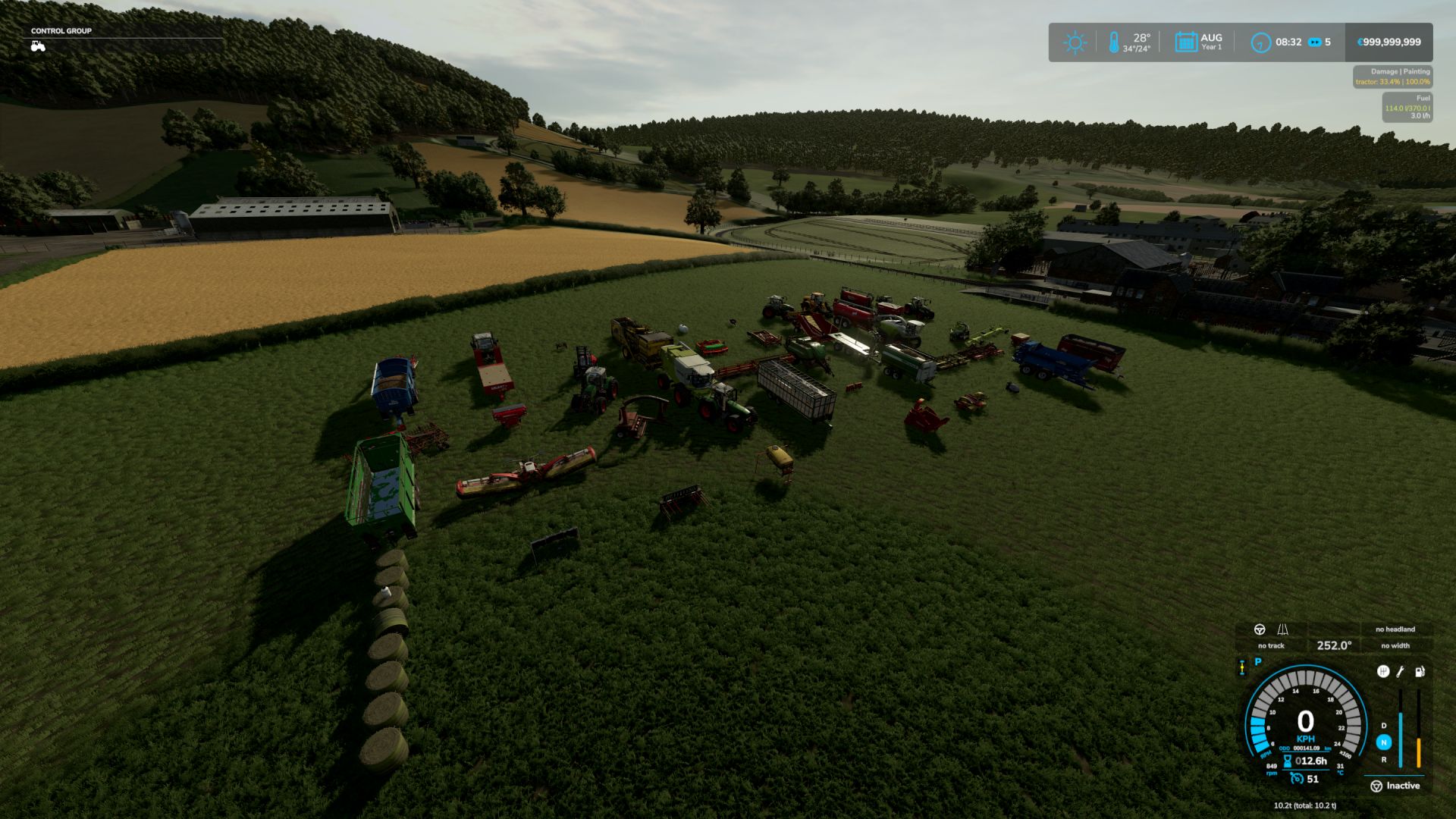
All vehicles & equipment owned by your farm (farmId=1)
Snapped to the ground via the target map’s heightmap
Rotated to face one direction (N / E / S / W)
Arranged in a configurable grid (default 10m × 10m)
Attached implements automatically detached so each unit lands individually
Bales, pallets and other items sitting in the world (items.xml)
Bales & pallets in auto-storage sheds (<objectStorage>)
Animal herds (cows, sheep, pigs, chickens, horses, etc.) merged into target pens you pick
Pen-internal storage — food (hay/grass/silage/TMR/grain/forage), bedding (straw), water, and produced outputs (slurry / manure / milk)
Loose grain / diesel / fertiliser / seeds / lime stored in silos — both <fillUnit><unit> and <silo><storage><node> shapes
Farm money and loans
Doesn’t migrate:
Bunker silo silage — the visible mound is runtime physics state that XML can’t recreate.
Optionally cashed out: a toggle on the Assign page averages the source save’s silage prices from economy.xml and adds the proceeds to the target farm’s money instead of losing it.
Placeables you’ve bought (sheds, silos, animal pens) — re-purchase on the new map. You can then migrate animals / grain / bales INTO them via the wizard.
Quick start
Grab the latest FS25SavegameMover.exe from Releases on my Github. No Python install required.
Start a fresh save on your target map in FS25 first. We use it to discover where the silos, animal pens and other points-of-interest sit on the new map.
Double-click FS25SavegameMover.exe. The wizard opens maximised (10–15 s on first launch — PyInstaller unpacking).
Walk through the 6 wizard pages (see below).
Migrate. The tool writes a new savegame folder — your originals are never touched. Copy the new folder into an empty savegameN slot under Documents/My Games/FarmingSimulator2025/ to load it in-game.
Please Read the GitHub full before use.