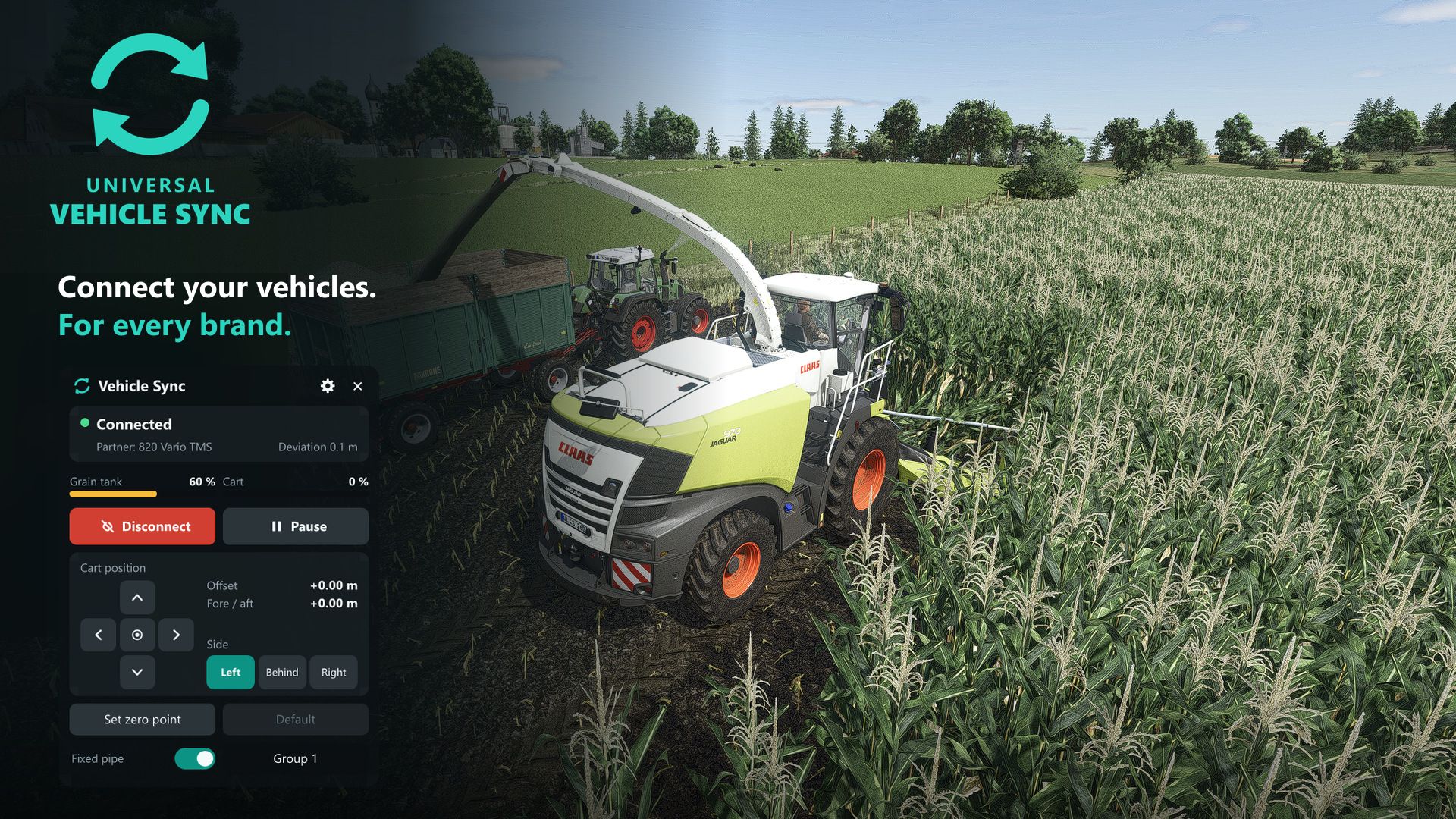
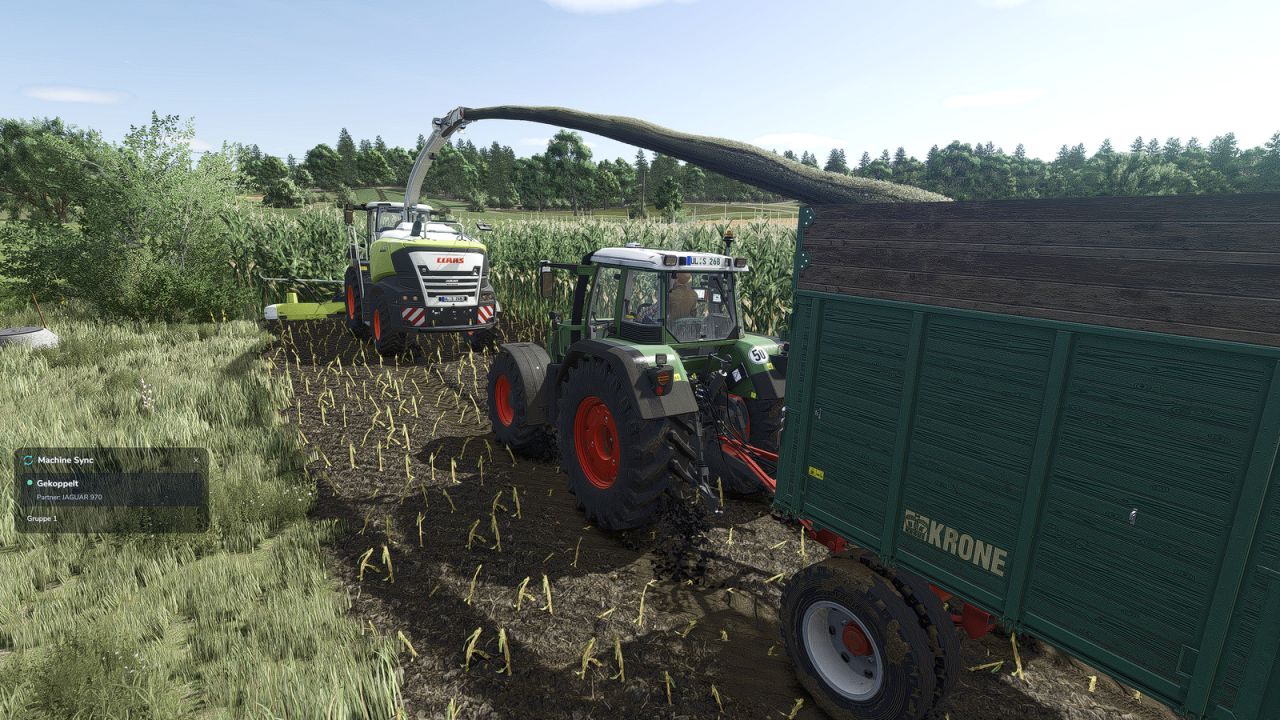
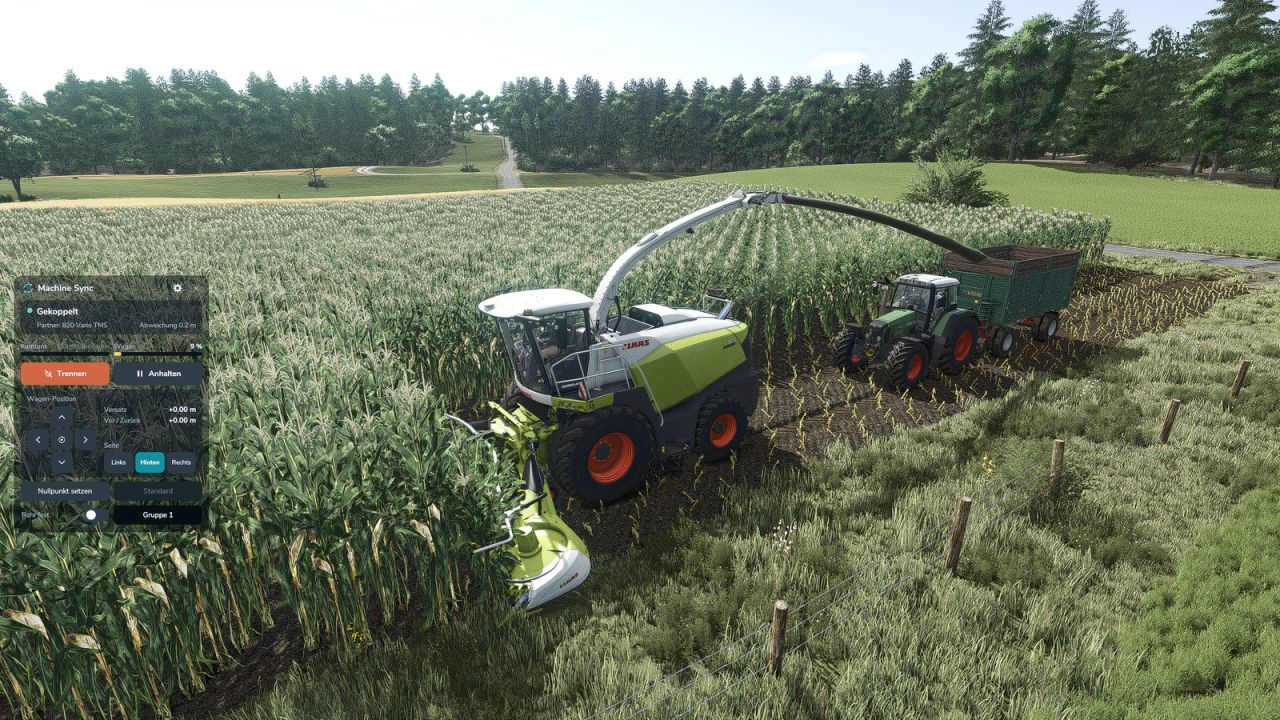
Universal Vehicle Sync brings synchronised unloading on the go to every brand. The harvester leads, the tractor with the cart follows and stays next to it, under the unloading pipe.
Features:
New shop option “Vehicle Sync” for tractors and harvesters of every brand, can also be retrofitted in the workshop
The harvester driver connects within a configurable sync radius and controls everything; the tractor driver can confirm the request and gets a small info window
The system takes over steering and speed: the tractor steers, stops and reverses together with the harvester, at the same speed
Move the cart forward, back, left or right from either machine while driving
Steering, braking or accelerating in the tractor disconnects immediately
Grain tank and cart fill levels are shown in both machines
Adjustable side gap: the tractor keeps its distance next to the machine and never drives into it
Choose left, right or behind: behind the harvester for the headland; the nearest tractor of the same group is selected
Own zero point: move the cart to where it suits you and save that spot, or go back to the default
Path planning: after turning, the tractor finds its way back next to the harvester by itself and drives around trees, buildings and vehicles
Pause button: the tractor waits while you turn on the headland, then rejoins
Fixed pipe: move the cart under a pipe that stays in place and fill it where you want
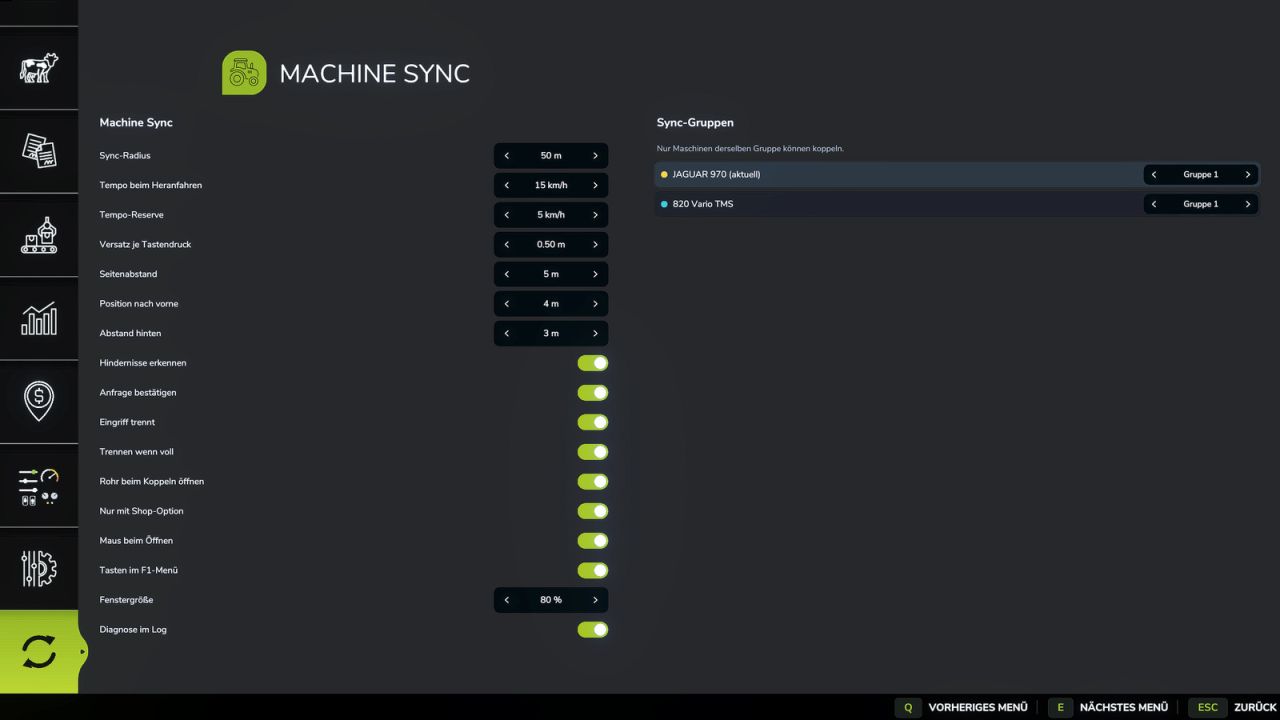
Sync groups: choose in the menu which machines are allowed to connect with each other
Movable control window, usable with mouse or keyboard
Separate settings tab in the menu
All key bindings are preset and can be changed in the controls menu; their display in the F1 menu can be switched off
Default keys:
Left Alt + G: control window
Left Alt + V: mouse cursor
Left Alt + Y: connect / accept / disconnect
Left Alt + arrow keys: move the cart
Left Alt + O: change side
Left Alt + I: reset position
Left Alt + C: pause / continue
Left Alt + L: fixed pipe
Left Alt + W: set zero point
Left Alt + Q: default zero point
Fan-made mod inspired by real machine synchronisation systems. Not affiliated with or endorsed by any manufacturer.