WayPoint GPS Beta is a standalone GPS route guidance system for Farming Simulator 25.
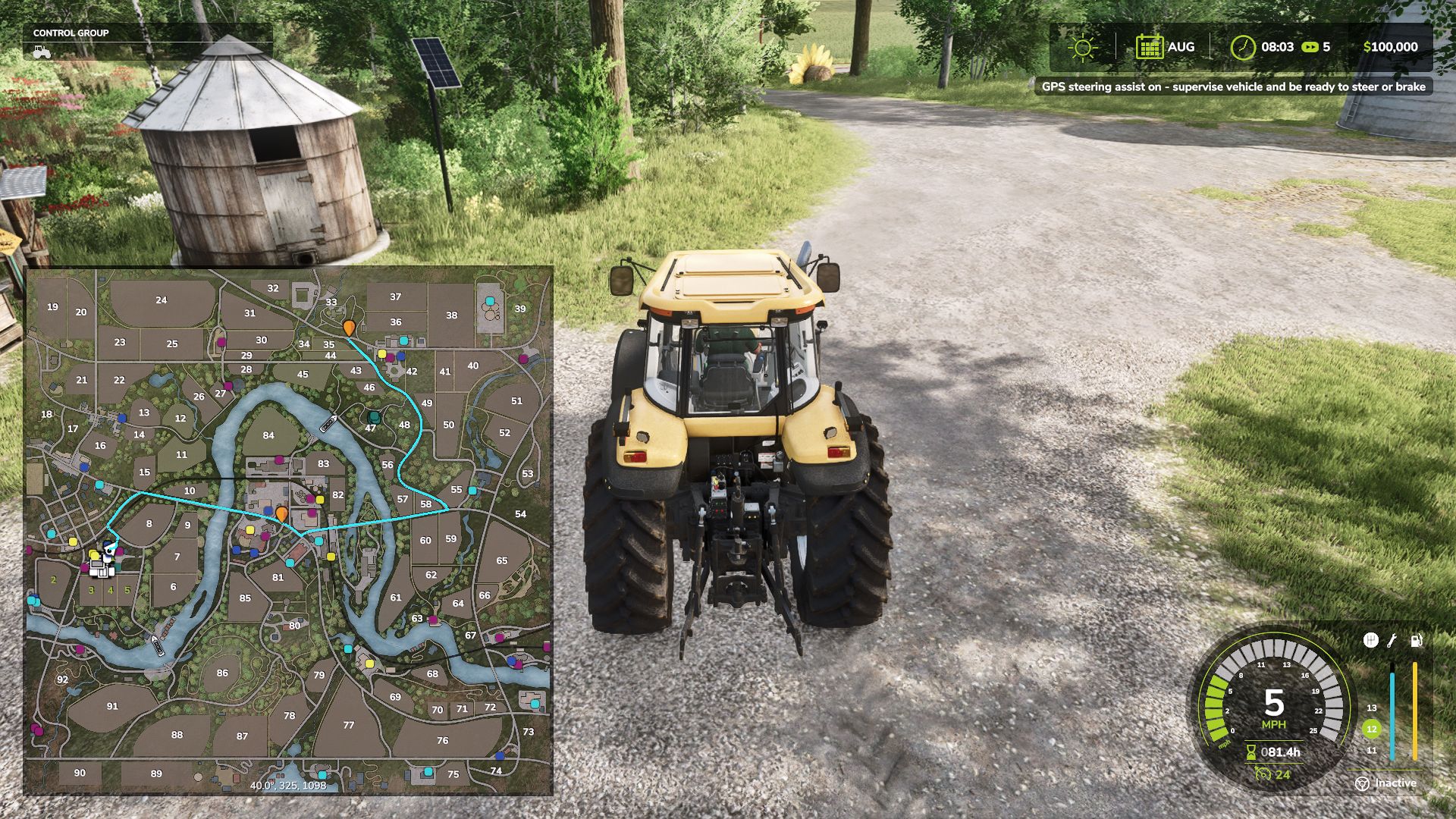
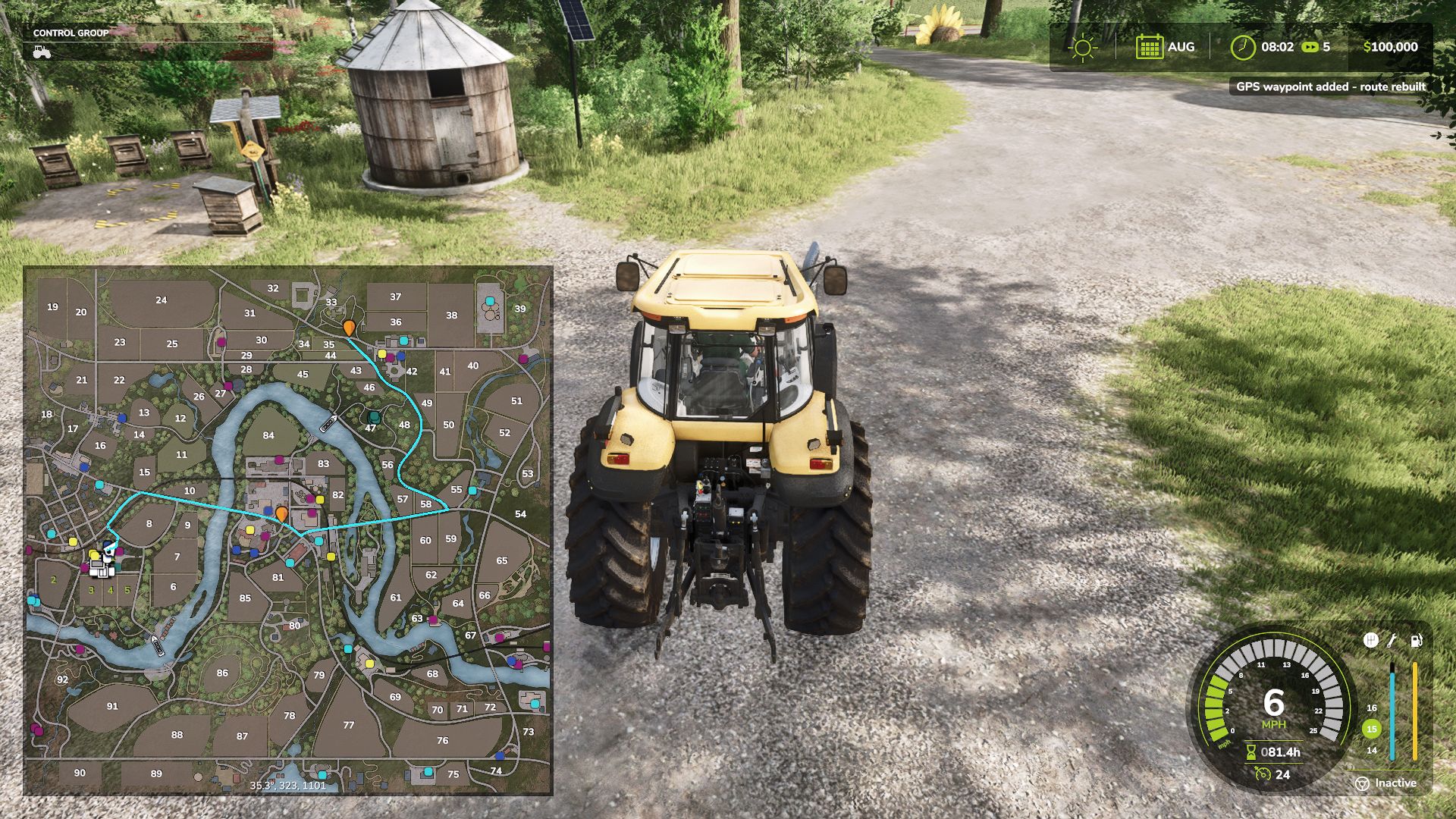
Open the full ESC map, hold CTRL, and click anywhere to set a GPS destination. WayPoint GPS will draw a clean route line on the minimap and map screen, giving you a visual driving guide without requiring any external routing mod.
This is a beta test release and is being shared for public testing and feedback before a wider release.
Features
Standalone GPS route system
CTRL + left click on the ESC map to set or add waypoints
SHIFT + left click on the ESC map to remove the last waypoint
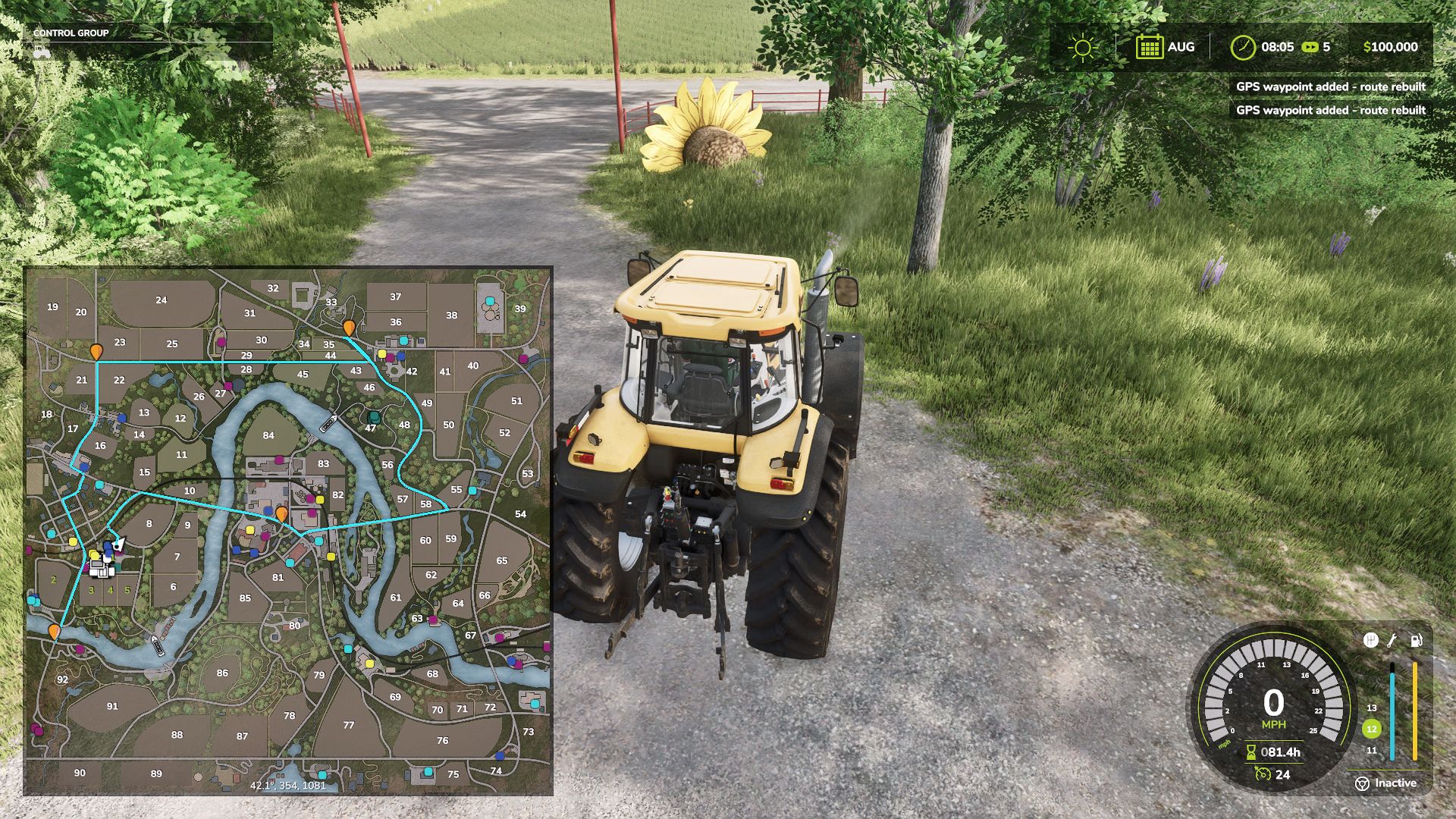
Multiple waypoint support
Routes rebuild through all active waypoints in order
Route line shown on the minimap and full map screen
Dedicated WayPoint GPS route graph system for supported maps
Built-in fallback routing for maps without a dedicated route graph
AI-road-based routing with off-road and last-mile connectors
Optional steering assist
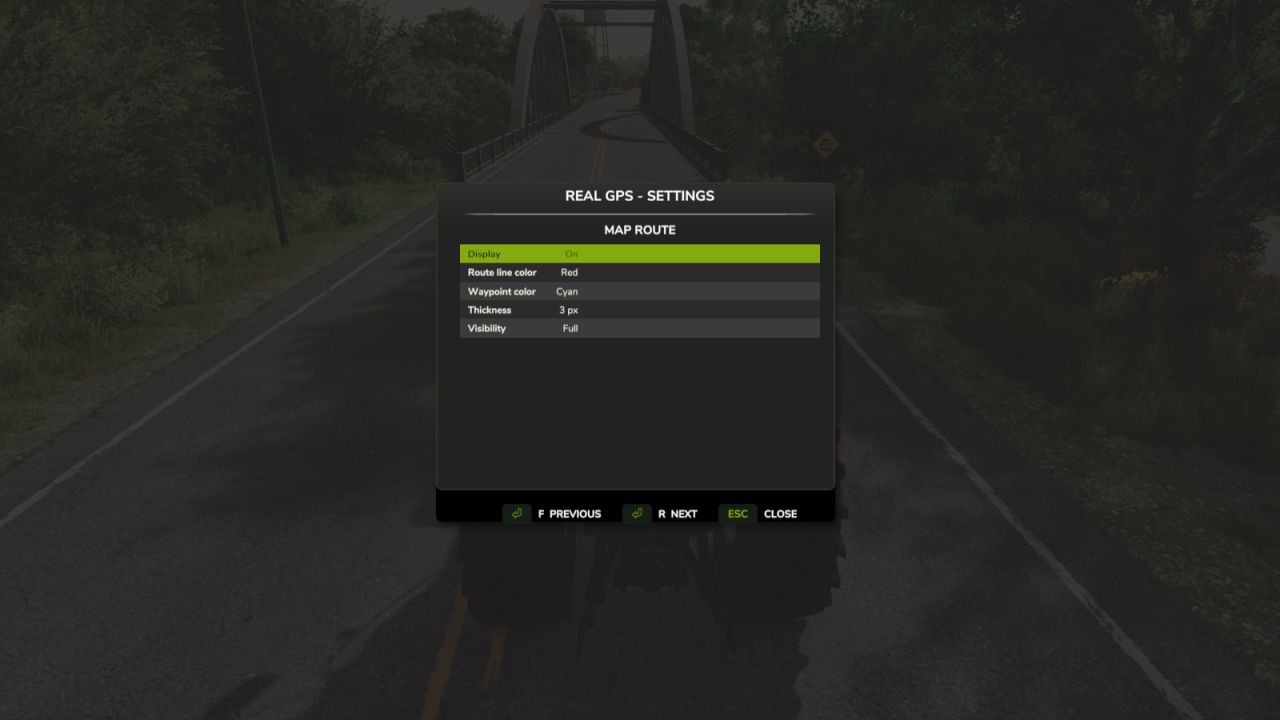
Customizable route line color
Customizable waypoint pin color
Adjustable route thickness and visibility
Bindable controls in the controls menu
Custom GPS waypoint marker
Strict map matching to prevent custom maps from loading the wrong route graph
If a map does not have a dedicated WayPoint GPS route graph, the mod will automatically fall back to its built-in routing logic.
Important Beta Notes
Pathing is guidance only and may not always be perfect, especially around bridges, islands, ferry crossings, yards, field entrances, sharp turns, and off-road targets.
Steering assist is experimental and is not a full autopilot. Always check the route before driving and stay ready to steer, brake, or take control manually.
Feedback is welcome, especially for maps where routes do not follow roads correctly.
BETA 3
Removed:
Removed the experimental steering assist / auto-driving feature.
Removed vehicle steering, braking, cruise-control, and driving control logic.
Removed recorder-related leftover inputs and debug behavior.
Removed right-side notification popups from WayPoint GPS.
Changed:
WayPoint GPS is now focused only on GPS route guidance.
Route guidance now works as a visual navigation system only.
Route lines now trim/remove completed sections as you drive.
Improved ESC map overlay clipping so route lines no longer draw outside the visible map area.
Improved map matching so custom maps do not accidentally load the wrong bundled route graph.
Improved fallback route behavior when no matching WayPoint GPS route graph is available.
Improved route pathing to better favor roads and avoid cutting through fields.
Improved high-speed arrow behavior to reduce fast direction switching.
Improved texture handling for the on-screen arrow assets.
Added:
Added a centered on-screen direction arrow.
Added fixed arrow directions for Straight, Left, Right, and Reverse.
Added meters until the next sharp turn.
Added total remaining route distance below the turn-distance display.
Added a customizable keybind to toggle the on-screen arrow box.
Default toggle key is Alt + B.
Added an on-screen arrow toggle option in the settings menu.
Notes:
WayPoint GPS does not drive, steer, brake, or control vehicles.
It remains a GPS route guidance mod only.
Multiple waypoint stops are still supported.
CTRL + left click on the full ESC map adds a waypoint.
SHIFT + left click removes the last waypoint.
Routes rebuild through all active waypoints in order.
When the first waypoint is reached, the route automatically continues to the next stop.